Interchangeable Lens Digital Camera
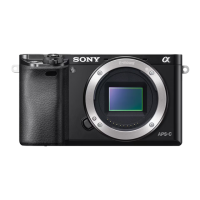
ILCE-6000
Function of the Custom button
Once you assign a function to the Custom button, you can perform that function by simply pressing the Custom button
when the shooting information screen is displayed.
1. MENU → (Custom Settings) → [Custom Key Settings] → [Custom Button] → desired setting.
The functions that can be assigned are displayed on the setup item selection screen.
Notes on use
4-534-933-11(1)
Copyright 2014 Sony Corporation
Help Guide
How to Use






 To Next Page