Interchangeable Lens Digital Camera
ILCE-6000
4K Still Image PB
Outputs still images in 4K resolution to an HDMI-connected TV that supports 4K.
1. Turn off this product and the TV.
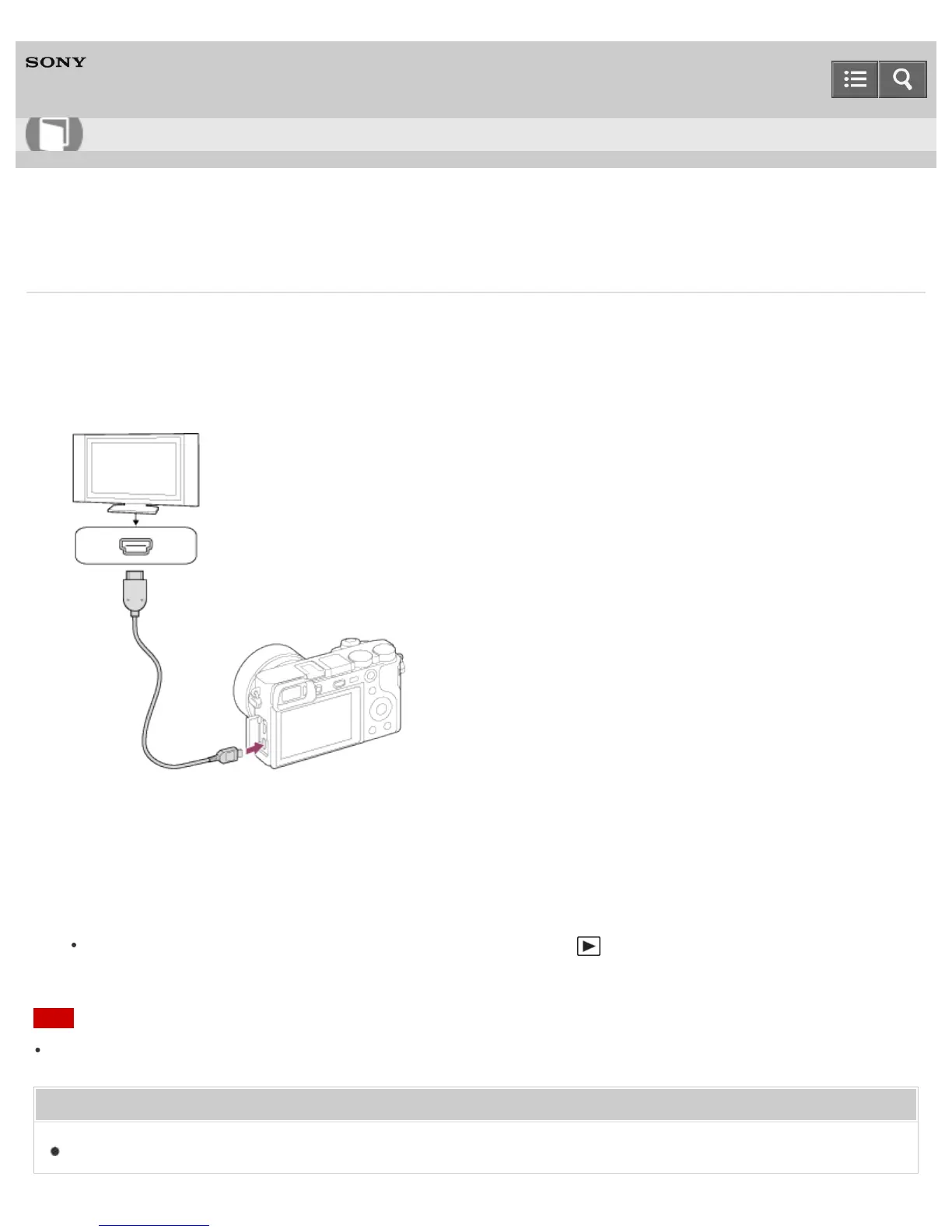
2. Connect the HDMI micro terminal of this product to the HDMI jack of the TV using an HDMI cable (sold separately).
3. Turn on the TV and switch the input.
4. Turn on this product.
5. Play back a still image, then press the bottom side of the control wheel.
The still image is output in 4K resolution.
You can output still images in 4K resolution by selecting MENU → (Playback) → [4K Still Image PB] → [OK].
Note
This menu is only available with 4K-compatible TVs. For details, refer to the operating instructions of the TV.
Related Topic
Viewing images on an HD TV
Help Guide
How to Use












 To Next Page