Interchangeable Lens Digital Camera
ILCE-6000
Connecting an Android smartphone to this product
1. Launch PlayMemories Mobile on your smartphone.
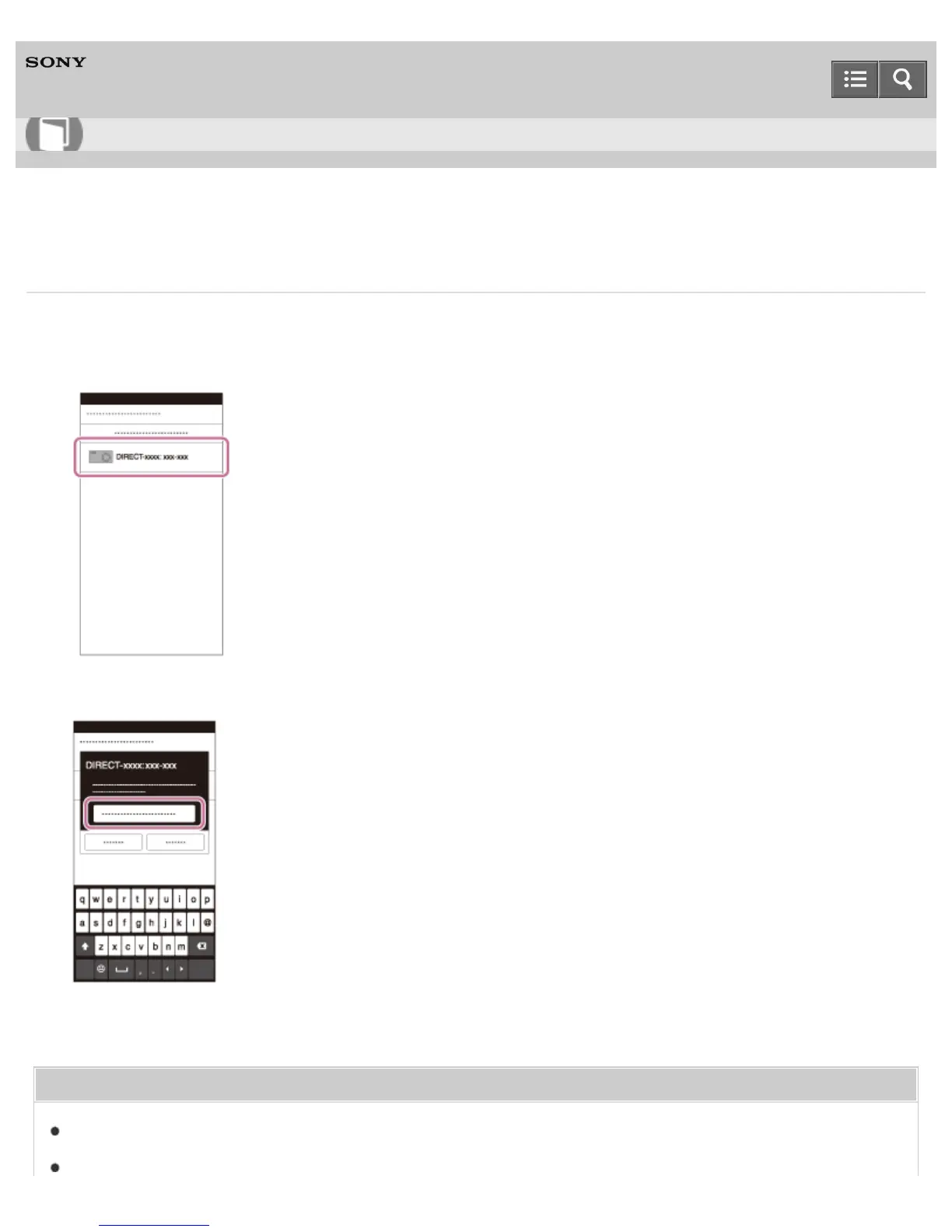
2. Select the model name of this product (DIRECT-xxxx: xxxx).
3. Input the password that is displayed on this product.
The smartphone is connected to the product.
Related Topic
Smart Remote Embedded
Send to Smartphone
Help Guide
How to Use












 To Next Page