18
BDP-S3700/BDP-BX370/BDP-S1700
4-579-663-11(1)
master page=left
E:\SONY
DVD\SD150012\4579663111_US\030STU.fm
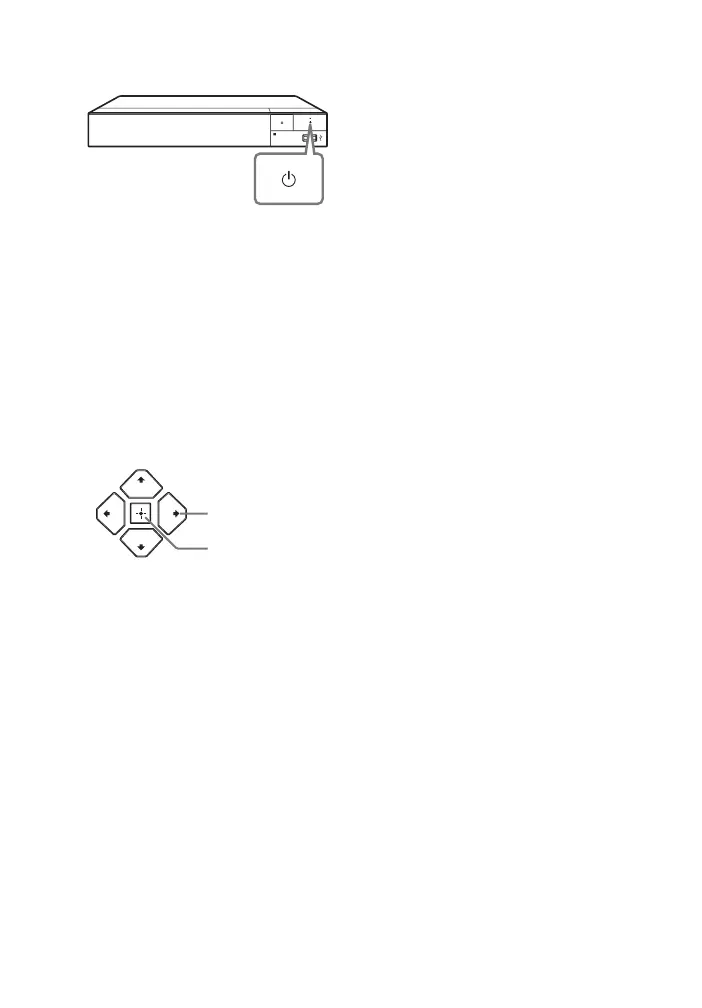
3 Press 1 to turn on the player.
4 Turn on the TV and set the input
selector on your TV by pressing
INPUT button on the remote. This
will show the signal from the
player on your TV screen.
5 Perform [Easy Initial Settings].
Follow the on-screen instructions to
make the basic settings using
</M/m/, and ENTER on the
remote.
b
When [Easy Initial Settings] is complete, the
player will automatically find the available
network.
ENTER
</M/m/,


 To Next Page