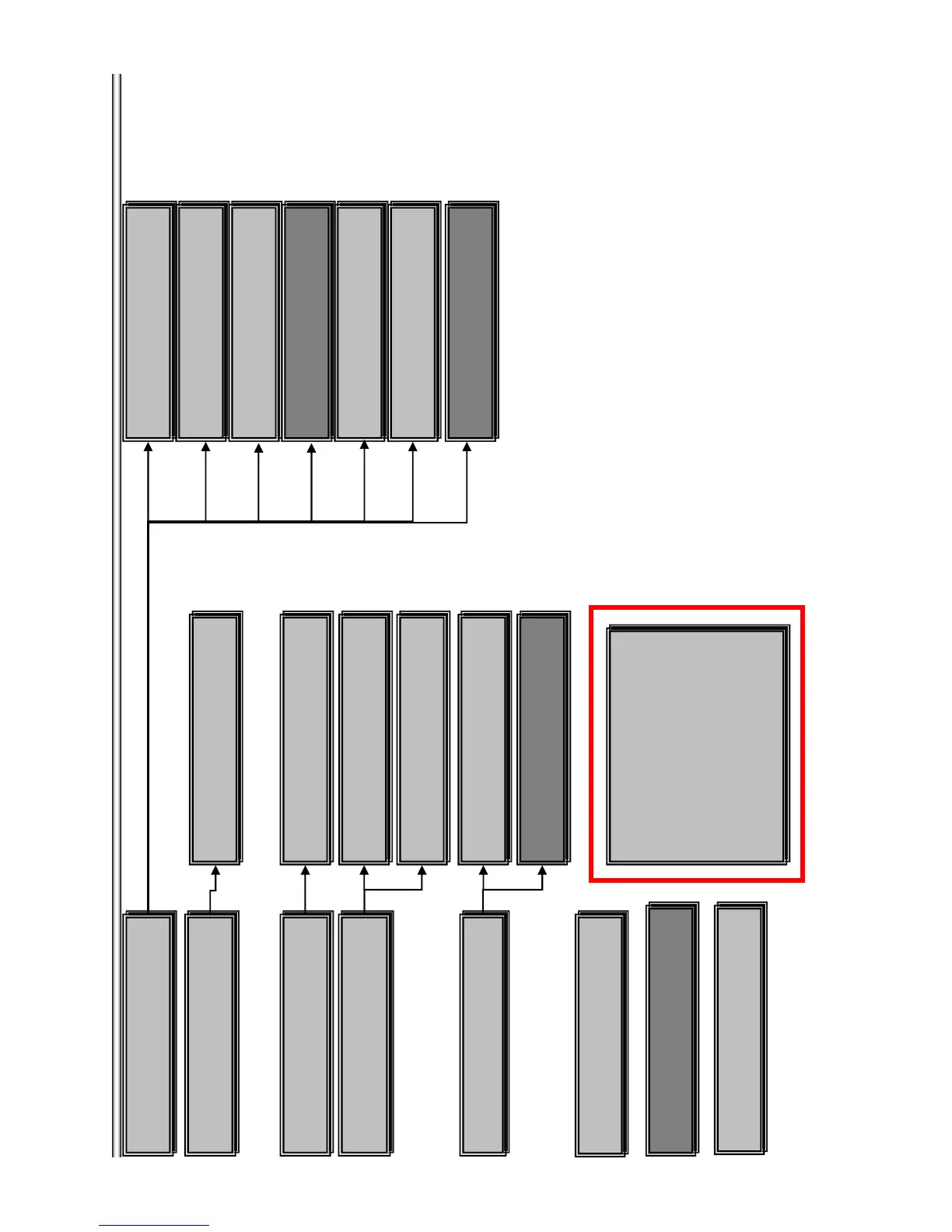
Menu
*Service Mode Menu
[1]Diag
[2]Log
[3]Factory Initialize
[4]Network
[5]Version Up
[6]System Information
[7]EMC Test Mode
[8]Drive
Version Up
・DISC update
Drive
・Write Drive OP Data and check drive
*Factory Initialize
・ Initialize default setting
*Log
view Error Log
Error Log
・view Error log
*Diag
・Diag Test
*Network
・Network diagnosis for wired
Ping
・confirm Network connection
Ifconfig
・view Network Status
Device Test
・USB/DAC/IFCon/ test
Video Test
・Video Output Test
Audio Test
・Audio Output Test
Wireless LAN Test
・ only wireless model used
Audio input Test
・Not used
Start Initialize
・Initialize default setting for BD-Player
System Information
・display System Information
EMC Test Mode
・Not used
Mic Test
・ Only Karaoke model used
HDMI Input test
・Not used
Start Update for BDV
・Not used
Start Update for BDP
・Start disc upgrade for BDP
7-3
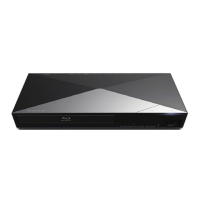
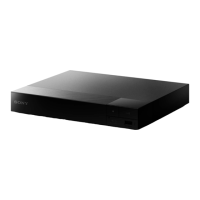
BX58/S480/S483/S580






 To Next Page