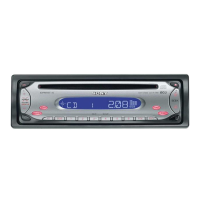
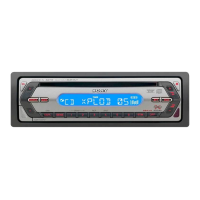
A Source
B Track number/Elapsed playing time,
Disc/artist name, Group number*
1
, Group
name, Track name, Text information*
2
,
Clock
*1 Group number is displayed only when the group is
changed.
*2 When playing an MP3, ID3 tag is displayed and when
playing ATRAC CD, text information written by
SonicStage, etc. is displayed.
To change display items B, press (DSPL).
1 During playback, press (3) (REP) or (4)
(SHUF) repeatedly until the desired
setting appears.
* When an MP3/ATRAC CD is played.
To return to normal play mode, select “REP-OFF”
or “SHUF-OFF.”
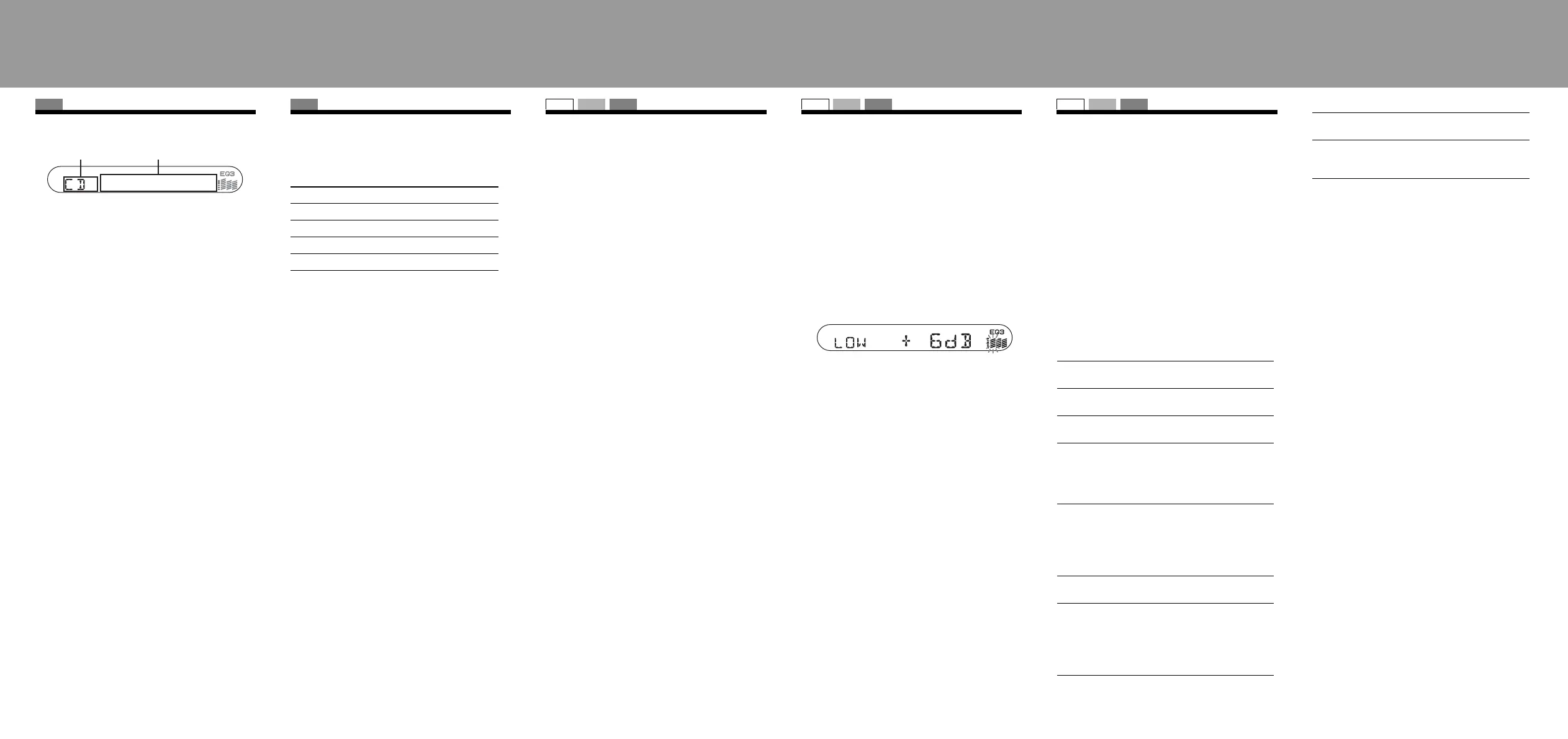
— BAL/FAD/SUB
You can adjust the balance, fader, and subwoofer
volume.
1 Press ( SEL ) repeatedly until “BAL,”
“FAD” or “SUB” appears.
The item changes as follows:
LOW*
1
t MID*
1
t HI*
1
t
BAL (left-right) t FAD (front-rear) t
SUB (subwoofer volume)*
2
*1 When EQ3 is activated.
*2 When the audio output is set to “SUB.”
“ATT” is displayed at the lowest setting, and can be
adjusted up to 20 steps.
2 Press the volume +/– button repeatedly
to adjust the selected item.
After 3 seconds, the setting is complete and the
display returns to normal play/reception mode.
Note
Adjust within 3 seconds of selecting the item.
— EQ3
“CUSTOM” of EQ3 allows you to make your own
equalizer settings.
1 Select a source, then press (EQ3)
repeatedly to select “CUSTOM.”
2 Press (SEL) repeatedly until “LOW,”
“MID” or “HI” appears.
3 Press the volume +/– button repeatedly
to adjust the selected item.
The volume level is adjustable in 1 dB steps,
from –10 dB to +10 dB.
Repeat steps 2 and 3 to adjust the equalizer
curve.
To restore the factory-set equalizer curve, press
and hold (SEL) before the setting is complete.
After 3 seconds, the setting is complete and the
display returns to normal play/reception mode.
— SET
1 Press and hold (SEL).
The setup display appears.
2 Press (SEL) repeatedly until the desired
item appears.
3 Press the volume +/– button to select the
setting (example “ON” or “OFF”).
4 Press and hold (SEL).
The setup is complete and the display returns to
normal play/reception mode.
Note
Displayed items will differ, depending on the source and
setting.
The following items can be set:
“
z” indicates the default settings.
*1 When the unit is turned off.
*2 When FM is received.
*3 When the audio output is set to “SUB.”
CD
Display items
AB
CD
Repeat and shuffle play
Select To play
REP-TRACK track repeatedly.
REP-GP* group repeatedly.
SHUF-GP* group in random order.
SHUF-DISC disc in random order.
SET UP RADIO CD
Adjusting the sound
characteristics
SET UP RADIO CD
Customizing the equalizer
curve
SET UP RADIO CD
Adjusting setup items
CLOCK-ADJ
(Clock Adjust)
To set the clock.
CT (Clock Time) To set “CT-ON” or “CT-OFF”
(z).
BEEP To set “BEEP-ON” (
z) or
“BEEP-OFF.”
SUB/REAR*
1
To switch the audio output.
–“SUB” (
z): to output to a
subwoofer.
– “REAR”: to output to a power
amplifier.
DIM (Dimmer) To change the brightness of the
display.
– “DIM-ON”: to dim the
display.
– “DIM-OFF” (
z): to deactivate
the dimmer.
DEMO*
1
(Demonstration)
To set “DEMO-ON” (z) or
“DEMO-OFF.”
A.SCRL
(Auto Scroll)
To scroll long displayed items
automatically when the group/
track is changed.
– “A.SCRL-ON”: to scroll.
– “A.SCRL-OFF” (
z): to not
scroll.
REG*
2
(Regional)
To set “REG-O N” (z) or “REG-
OFF.”
LPF*
3
(Low Pass
Filter)
To select the subwoofer cut-off
frequency “78HZ,” “125HZ” or
“OFF” (
z).
B
Location of controls and basic operations/
Detaching the front panel/Setting the
clock/Storing stations automatically


 To Previous Page
 Loading...