4
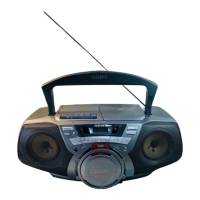
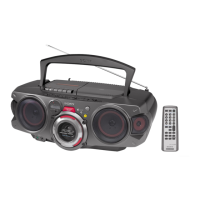
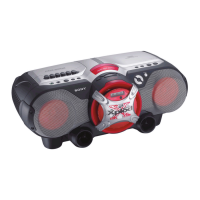
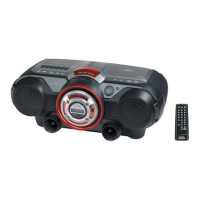
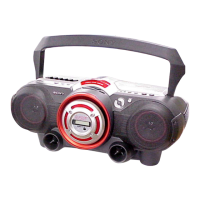
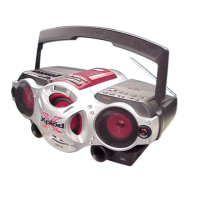
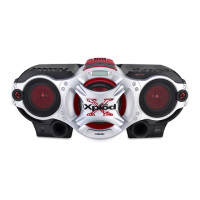
CFD-G35
SECTION 2
GENERAL
This section is extracted
from instruction manual.
Remote Control
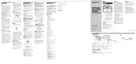
Location of controls
FUNCTION
BAND
POWER
VOL +*, –
x
.,>
Z PUSH
OPEN/CLOSE
VOLUME –, +*
TUNE –, +
DISPLAY
ENTER
MEMORY
MODE
i
Number buttons
x*
POWER
SLEEP
OPR/BATT
Loading a CD
With the labeled side up
Inserting a cassette
With the side you want to
play facing upward
BAND
AUTO PRESET
SOUND
Display
Remote sensor
Total track number
DE
Total playing time
Display
*The button has a tactile dot.
POWER DRIVE
WOOFER
., >
PRESET –, +
N
X
SLEEP
MODE
TUNE+, –
WOOFER
SOUND
About CD-Rs/CD-RWs
This player can play CD-Rs/CD-RWs
recorded in the CD-DA format*, but
playback capability may vary depending on
the quality of the disc and the condition of
the recording device.
* CD-DA is the abbreviation for Compact
Disc Digital Audio. It is a recording
standard used for Audio CDs.
If you have any questions or problems
concerning your player, please consult your
nearest Sony dealer.
Programmed track
Playing order
u


 To Next Page
 Loading...