Basic Operations
Basic Operations
11
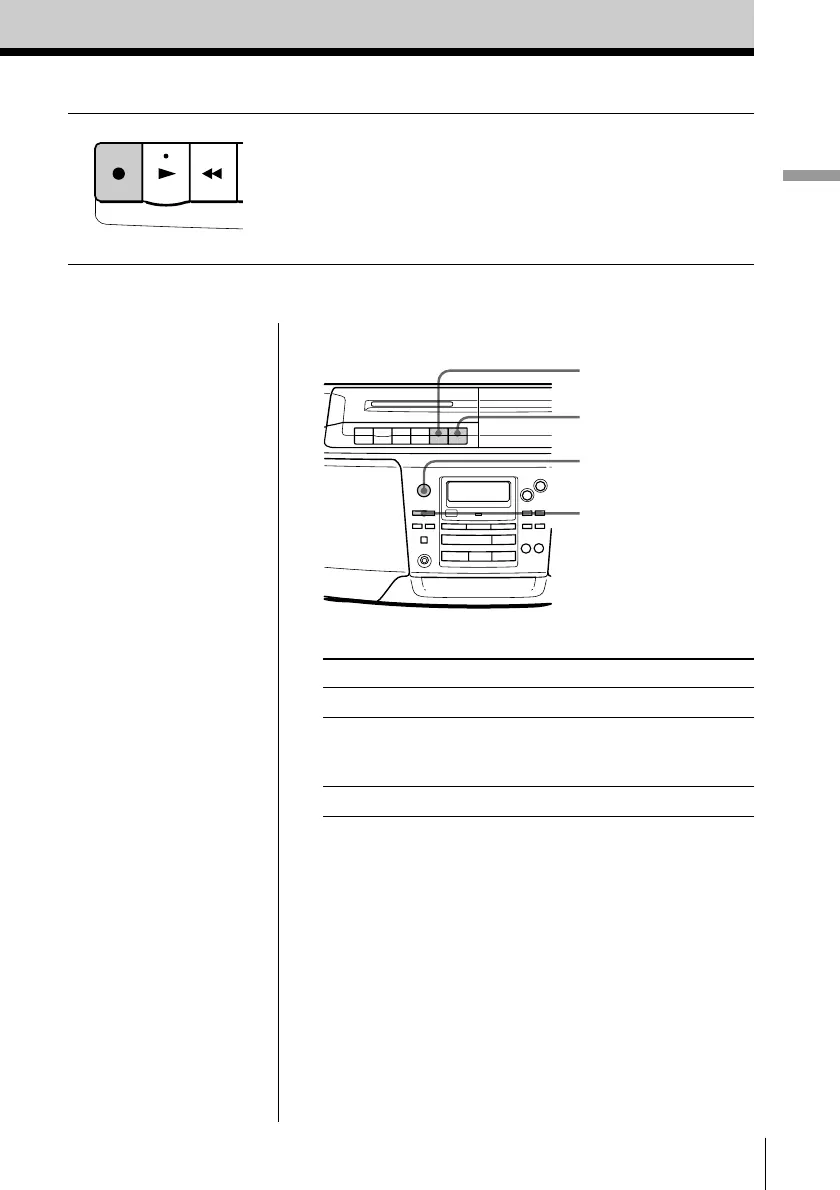
3 Press r to start recording
(( is depressed automatically).
Use these buttons for additional operations
Tips
• Adjusting the volume or
the audio emphasis (see
page 27) will not affect
the recording level.
• For the best results, use
the AC power as a
power source.
• To erase a recording,
proceed as follows:
1 Insert the tape whose
recording you want to
erase.
2 Press FUNCTION to
select “TAPE”.
3 Press r.
To Press
stop recording p6
pause recording P
Press the button again to
resume recording.
turn on/off the player POWER
P
POWER
FUNCTION
p6
REC



 To Next Page