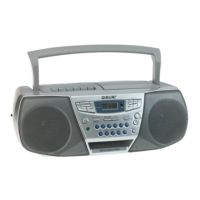
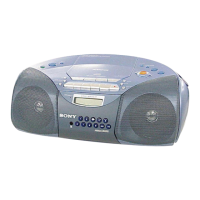
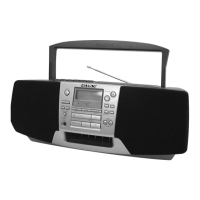
Basic Operations
Basic Operations
5
Use these buttons for additional operations
To Press
adjust the volume VOLUME +, – (VOL +, –
on the remote, CFD-S38 only)
stop playback p
pause playback ^ (P on the remote,
CFD-S38 only)
Press the button again to
resume play after pause.
go to the next track +
go back to the previous track =
remove the CD 6 PUSH OPEN/CLOSE
turn on/off the player POWER
Tip
Next time you want to
listen to a CD, just press
^. The player turns on
automatically and starts
playing the CD.
POWER
p
^
=,+
VOLUME +, –
6 PUSH OPEN/CLOSE



 To Next Page