25
Choose a smaller size if the hearing aid
feels tight in your ear.
Choose a larger size if the hearing aid
feels loose or makes whiling noise.
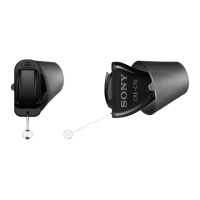
Removing Click Sleeve
Grab and pull o the Click Sleeve.
Click Sleeves are designed to be
discarded after removal from device.
Inalling new Click Sleeve
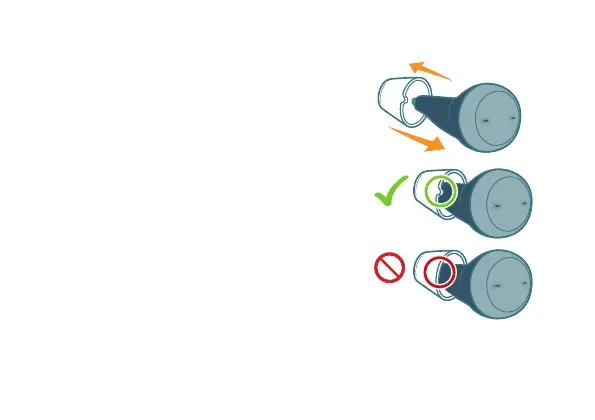
Make sure that the little tab of the
Click Sleeve is on the outside of
the hearing aid. You will hear a click
when it is fully inalled.
*Shown for the left device



 To Next Page