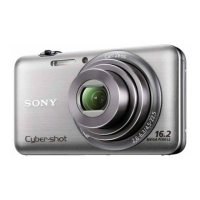
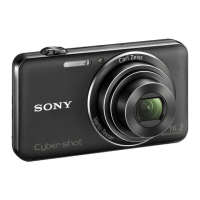
Identifying parts
iii
__
:~
..
• 3
-
lllll
__
,-
-
I1Q]
For shooting: Wrr (Zoom) button
For viewing:
~
(Playback zoom)
buttonl~
(Index) button
[ll] Mode dial
[g] Hook for wrist strap
~
[B
(Playback) button
IHJ
Control button
Menu on:
AI"
/
..
/~/.
Menu off:
DISP/0/./~
MI
ifii
(Delete) button
Ml
MENU button
I11J
Tripod receptacle
• Use a tripod with a screw less than
5.5 mm (7/32 inch) long. Otherwise, you
cannot firmly secure the camera, and
damage to the camera may occur.
~
Battery/"Memory Stick Duo" media
cover
~
Multi connector
[gQI
"Memory Stick Duo" media slot
l21J
Access lamp
1221
Battery eject lever
~
Battery insertion slot
Bottom
[I]
Shutter button
[g] Q (Burst/Bracket) button
~Flash
@]
Microphone
[ID
ON/OFF (Power) button
[ID
Speaker
[l] Self-timer lamp/Smile Shutter lamp/
AF illuminator
rn:J
Lens
rnJ
LCD screen
11
GB



 To Next Page
 Loading...