EasyManua.ls Logo

Sony DCX-930 - Page 45

Sony DCX-930
158 pages
Print Icon
To Next Page IconTo Next Page
To Previous Page IconTo Previous Page
Loading...
SHUTTER
(electronic
shutter)
The
electronic
shutter
allows
you
to
obtain
blur-free
pictures
of
a
fast
moving
subject,
and
if
used
combinedly
with
a
frame
memory
device,
adequately
bright
pictures
of
low-illuminated
subjects.
Note
that
the
SHUTTER
function
is
effective
only
when
CCD
IRIS
is
set
to
OFF.
OFF:
for
inactivating
the
electronic
shutter.
STEP:
for
setting
the
shutter
speed
to
one
of
the
following
eight:
FL,
1/125,
1/250,
1/500,
1/1000,
1/2000,
1/4000,
and
1/10000
sec.
FL
gives
flickerless
pictures.
When
using
the
DXC-930
with
lighting
power
of
50
Hz
or
the
DXC-930P,
of
60
Hz,
setting
SHUTTER
to
FL
gives
you
flickerless
pictures
even
under
fluorescent
light.
MANU:
for
adjusting
the
shutter
speed
in
units
of
frame
or
horizontal
scan
cycle
time
(H)
in
the
following
rage.
DXC-930:
In
units
of
frame
in
units
of
H
In
FLD
mode*:
255
to
001
In
FRM
mode*:
256
to
002
vations
paces
DXC-930P:
in
units
of
frame
In
units
of
H
In
FLD
mode*:
255
to
001
In
FRM
mode*:
256
to
002
310/625
to
1/625
*
About
FLD
and
FRM
modes,
see
page
4-11
(E).
When
SHUTTER
is
set
to
MANU,
do
not
use
the
AGC
function
or
the
white
balancing
function.
Adjusting
the
shutter
speed
in
units
of
frame:
for
example,
if
the
setting
is
050
(equivalent
to
about
1.7
seconds
with
DXC-930
and
2
seconds
with
DXC-930P),
the
whole
amount
of
video
signal
accumulated
during
this
set
time
will
be
output
in
the
form
of
one
complete
picture
(or
one
still
frame)
at
intervals
of
about
1.7
seconds
or
2
seconds
depending
on
the
camera.
These
pictures,
which
contain
50
frames
of
video
information,
are
much
brighter
than
normal
one-frame
pictures,
Therefore,
this
mode
of
setting
the
shutter
speed
is
very
useful
for
shooting
a
low-illuminance
subject
in
a
dark
place.
You
can
make
timing
pulses
for
taking
out
still
pictures
be
output
from
the
RGB/SYNC
connector
by
changing
the
setting
of
the
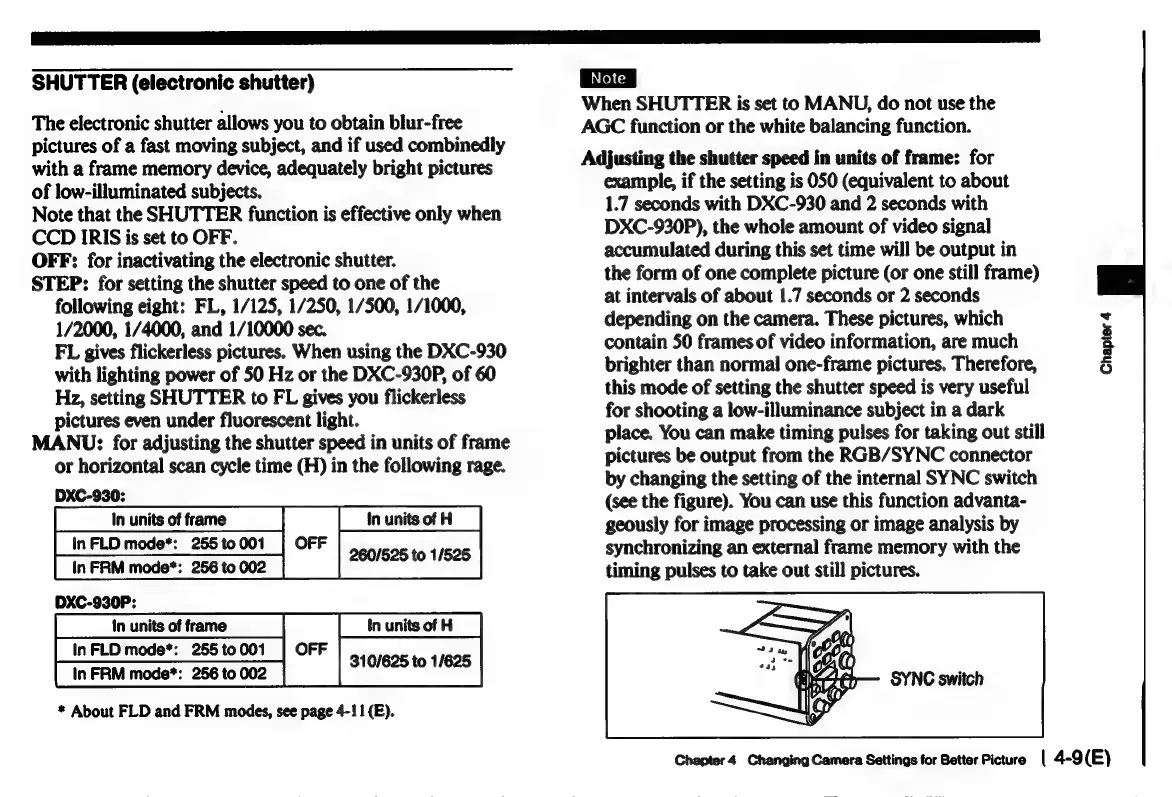
internal
SYNC
switch
(see
the
figure).
You
can
use
this
function
advanta-
geously
for
image
processing
or
image
analysis
by
synchronizing
an
external
frame
memory
with
the
timing
pulses
to
take
out
still
pictures.
Chapter
4
SYNC
switch
Chapter
4
Changing
Camera
Settings
for
Better
Picture
|
4-9
(E)

Related product manuals