Plays back the recorded movies.
1. Press the (playback) button to switch to playback mode.
2. Select the movie to be played back using the control wheel.
3. To play back movies, press on the center.
Available operations during movie playback
You can perform slow playback and sound volume adjustment, etc. by pressing the bottom
side of the control wheel.
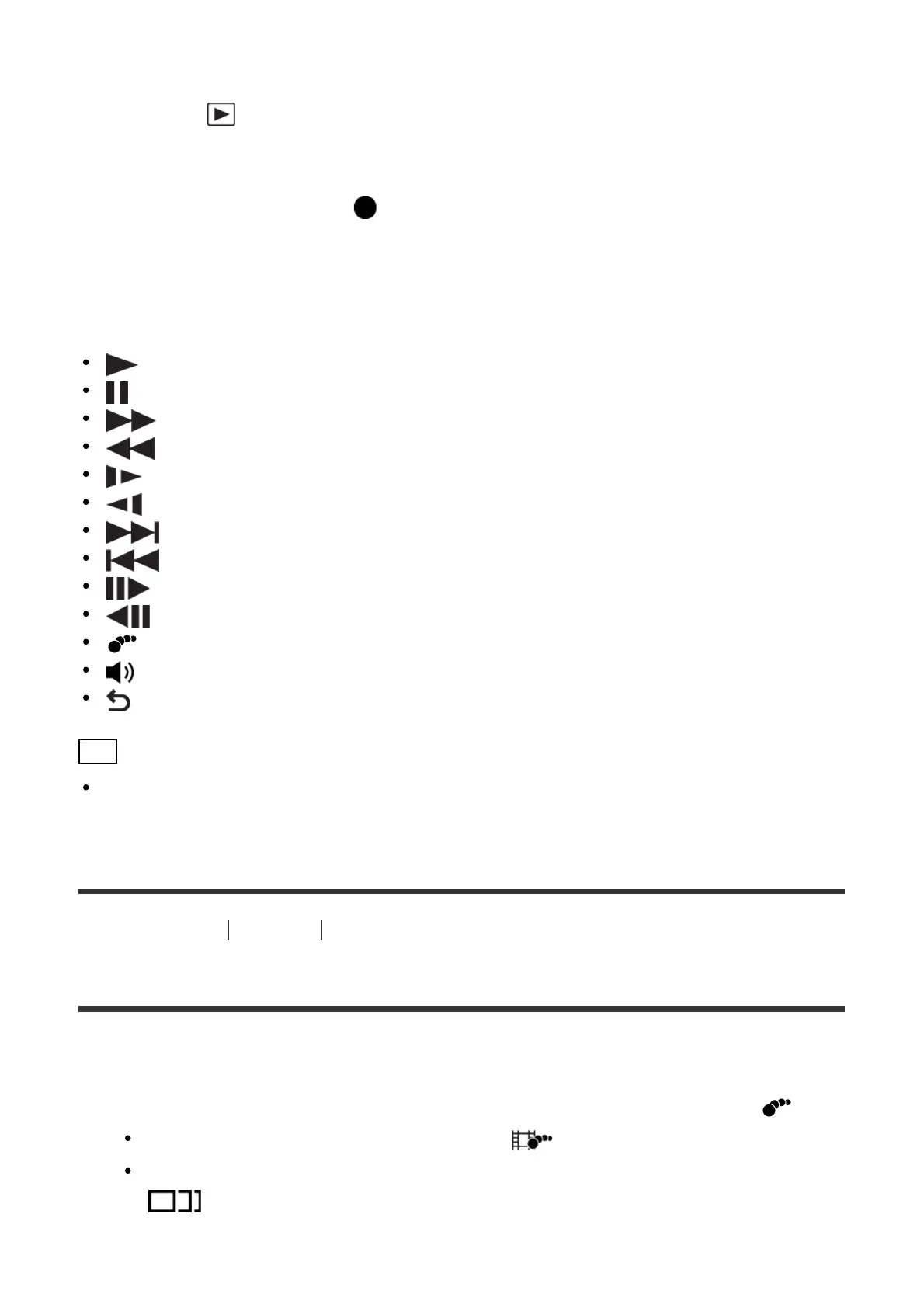
: Playback
: Pause
: Fast-forward
: Fast-rewind
: Forward slow playback
: Reverse slow playback
: Next movie file
: Previous movie file
: Displays the next frame
: Displays the previous frame
: Motion Shot Video (Shows the tracking of a subject in motion.)
: Sound volume adjustment
: Closes the operation panel
Hint
“Forward slow playback,” “Reverse slow playback,” “Displays the next frame” and
“Displays the previous frame” are available during pause.
[140] How to Use
Viewing Playing back movies
Motion Shot Video
You can see the tracking of the subject's motion in high-speed, like a stroboscopic image.
1. Press the bottom side of the control wheel during movie playback, then select .
To exit [Motion Shot Video] playback, select .
If you fail to make the trail, you can adjust the interval of the image tracking using
.



 To Next Page
 Loading...







