instructions on the screen.
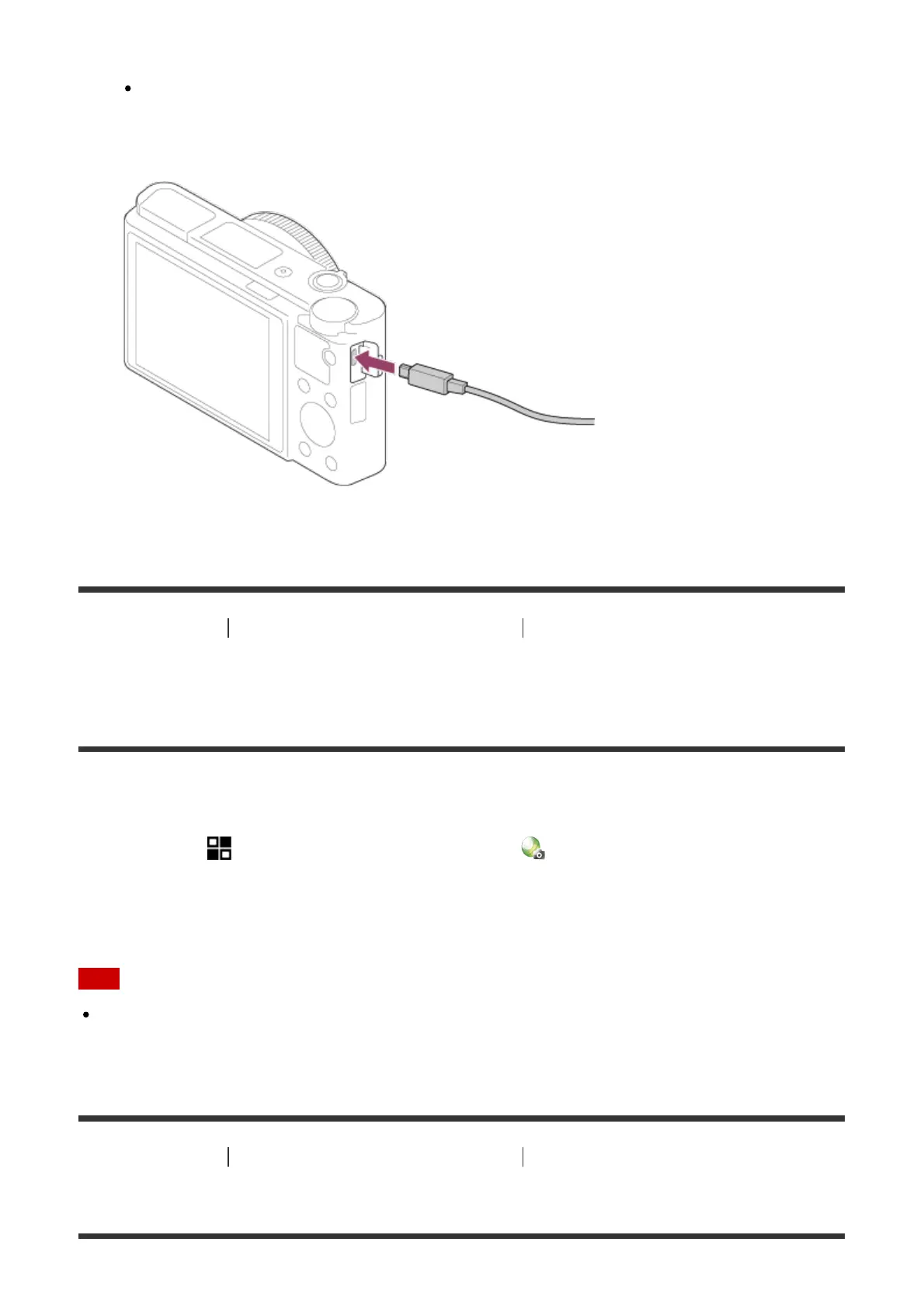
Connect the computer and the product using the micro USB cable (supplied),
following the instructions on the screen.
[205] How to Use Adding applications to the product Installing the applications
Downloading applications directly to the product using
the Wi-Fi function
You can download applications using the Wi-Fi function without connecting to a computer.
1. MENU → (Application) → Application List → (PlayMemories Camera Apps), then
follow the instructions on the screen to download applications.
Acquire a service account in advance.
Note
When the IP address setting of this product is [Manual], you cannot download an
application. Set [IP Address Setting] to [Auto].
[206] How to Use
Adding applications to the product Starting the applications
Launching the downloaded application



 To Next Page
 Loading...







