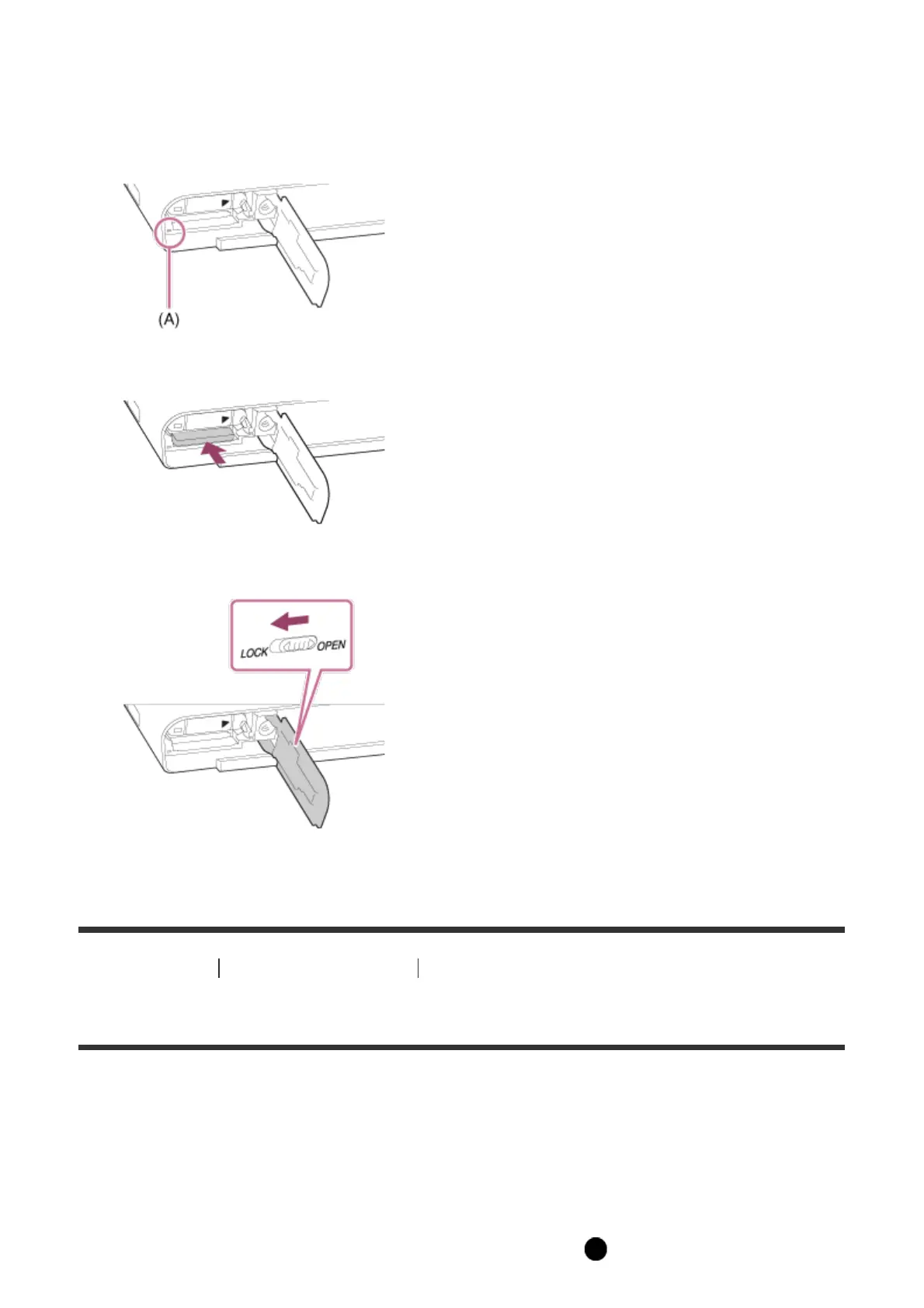
How to remove the memory card
1. Open the memory card cover.
2. Make sure that the access lamp (A) is not lit.
3. Push in on the memory card once to remove it.
4. Close the memory card cover.
[16] How to Use Preparing the camera Setting the date and time
Setting the date and time
When you turn on the camera for the first time or after you have initialized the functions, the
setting screen for the date and time appears.
1. Set the power switch to ON to turn on the camera.
The setting screen for the date and time appears.
2. Check that [Enter] is selected on the screen, then press on the control wheel.



 To Next Page
 Loading...







