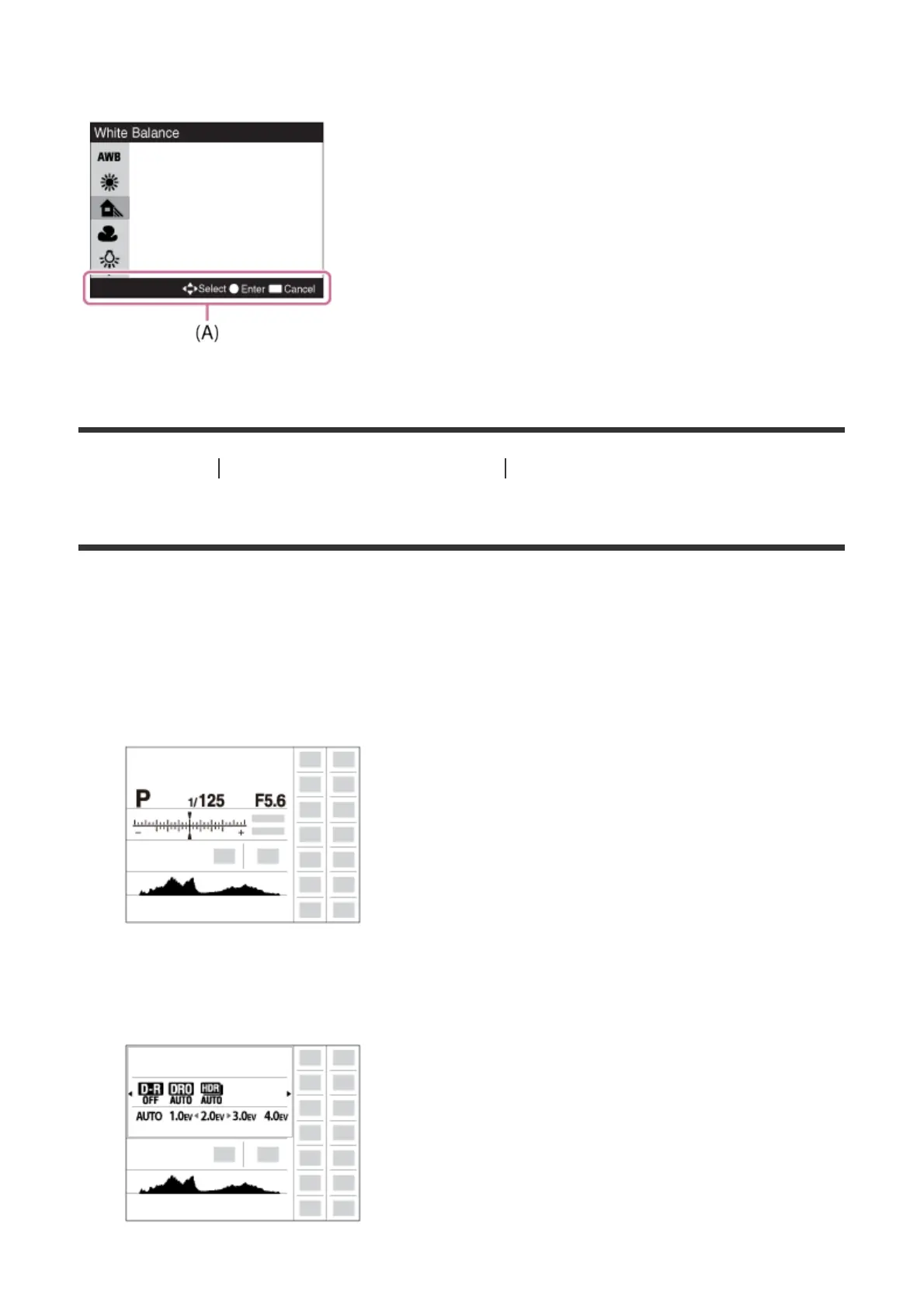
The dedicated setting screen for the function appears. Follow the operating guide (A) to
perform the settings.
[21] How to Use Confirming the operation method Confirming the operation method
Using the "Quick Navi"
You can change the settings directly using the Quick Navi screen when using the viewfinder.
1. Press the DISP (Display Setting) button on the control wheel repeatedly until the screen
is set to [For viewfinder].
2. Press Fn (Function) button to switch the screen to Quick Navi screen.
3. Select the desired function by pressing the up/down/left/right side of the control wheel.
4. Turn the control wheel to select the desired setting.



 To Next Page
 Loading...







