(Aperture Priority), (Shutter Priority) and (Manual Exposure) are
available only when the focus mode is set to "MF" (Manual Focus).
[38] How to Use Using shooting functions Using the zoom
Zoom
Enlarge images using the W/T (zoom) lever when shooting.
1. Enlarge images with the W/T (zoom) lever when shooting.
Move the W/T (zoom) lever to the T side to zoom in and to the W side to zoom out.
Hint
When you select other than [Optical zoom only] for [Zoom Setting], you can exceed the
zoom range of the optical zoom to zoom images.
[39] How to Use
Using shooting functions Using the zoom
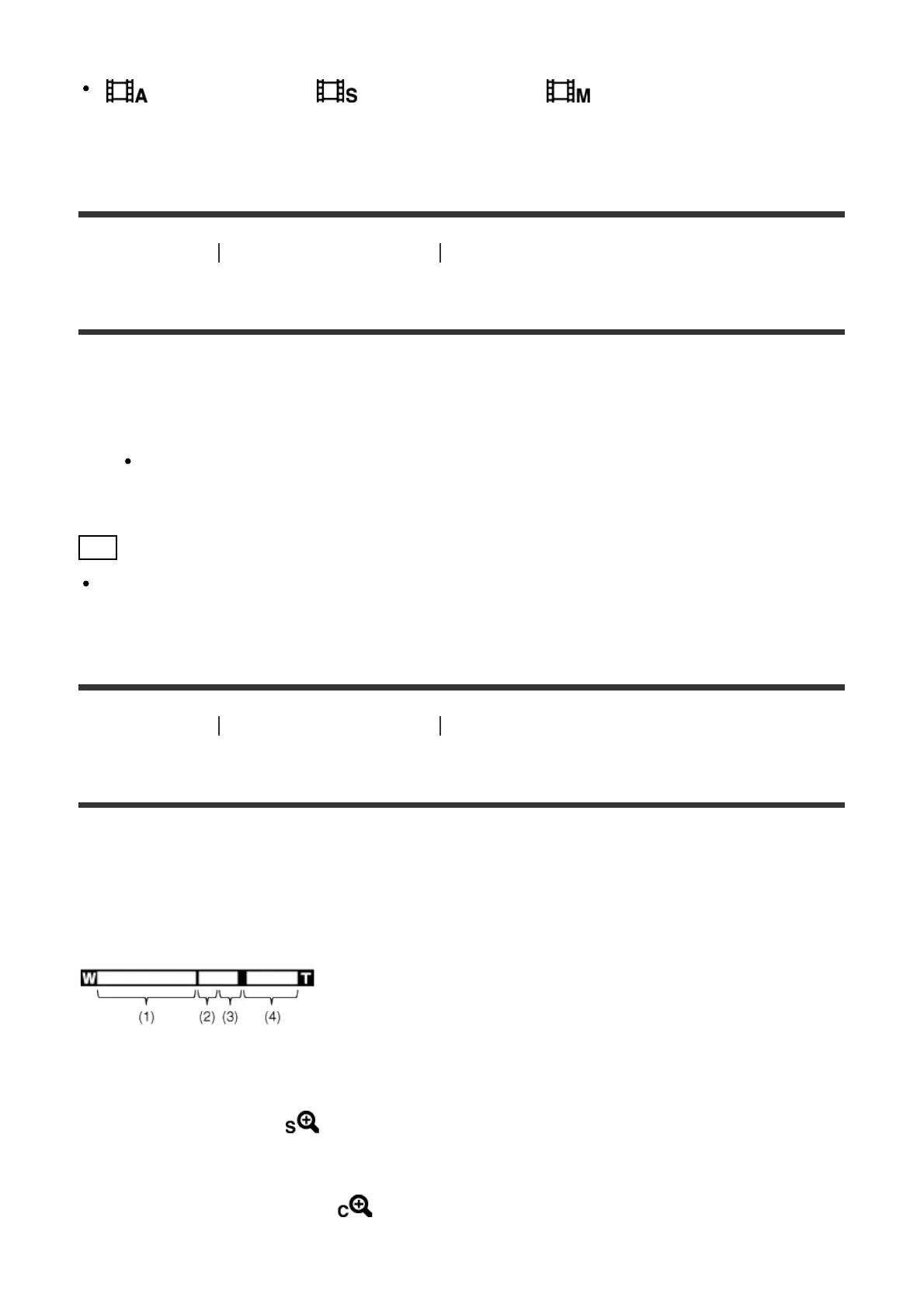
The zoom features available with this product
The zoom feature of the product provides a higher magnification zoom by combining various
zoom features. The icon displayed on the screen changes, according to the selected zoom
feature.
(1) Optical zoom range
Images are magnified within the optical zoom range of this product.
(2) Smart Zoom range ( )
Zoom images without causing the original quality to deteriorate by partially cropping an
image (only when the image size is [M], [S] or [VGA]).
(3) Clear Image Zoom range ( )
Zoom images using an image process with less deterioration. Set [Zoom Setting] to



 To Next Page
 Loading...







