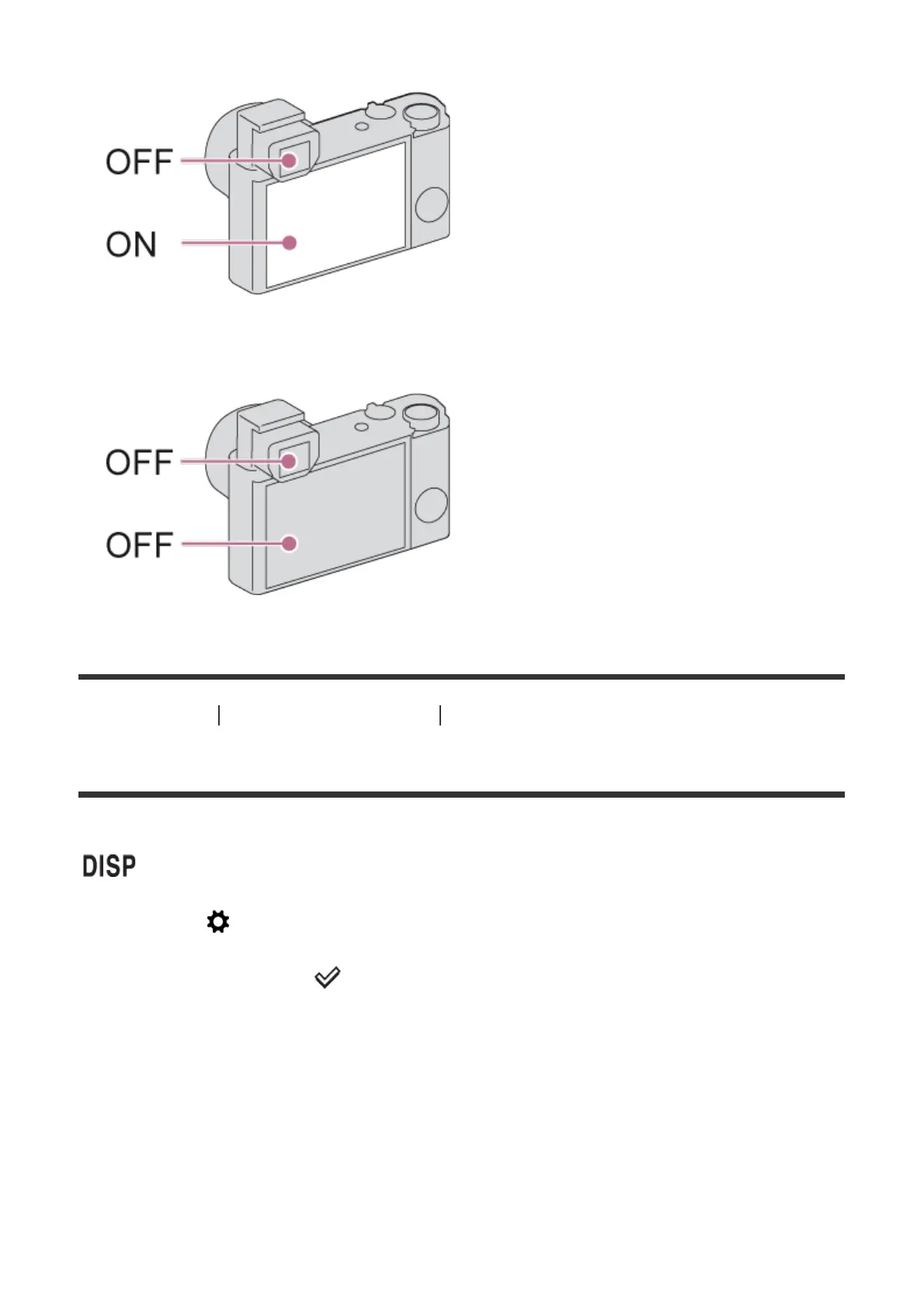
If [FINDER/MONITOR] is set to [Auto], the image is displayed only on the screen.
If [FINDER/MONITOR] is set to [Viewfinder], the image is neither displayed on the screen nor
in the viewfinder.
[48] How to Use Using shooting functions Selecting a screen display mode
DISP Button (Finder)
Allows you to set the screen display modes that can be selected for the viewfinder using
(Display Setting) in shooting mode.
1. MENU → (Custom Settings) → [DISP Button] → [Finder] → desired setting →
[Enter].
The items marked with are available.
Menu item details
Graphic Display:
Shows basic shooting information. Graphically shows the shutter speed and aperture value.
Display All Info.:
Shows recording information.
No Disp. Info.:
Does not show recording information.



 To Next Page
 Loading...







