1. MENU → (Camera Settings) → [Focus Mode] → [DMF].
2. Press the shutter button halfway down to focus automatically.
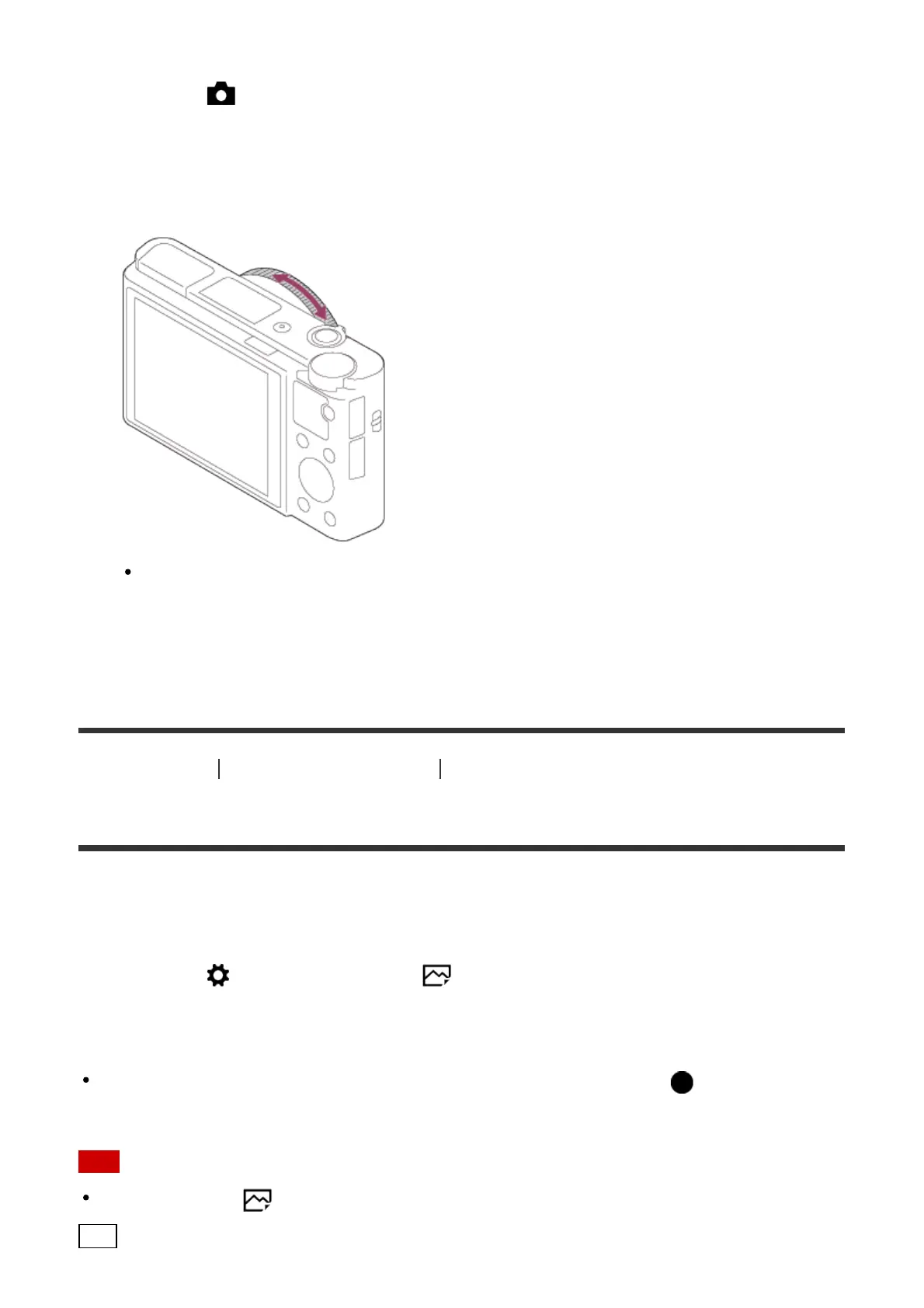
3. Keep the shutter button halfway down, rotate the control ring to achieve a sharper
focus.
When you rotate the control ring, the focus distance is displayed on the screen.
4. Press the shutter button fully down to shoot an image.
[61] How to Use Using shooting functions Adjusting the focus
MF Assist (still image)
Enlarges the image on the screen automatically to make manual focusing easier. This works
in Manual Focus or Direct Manual Focus shooting.
1. MENU → (Custom Settings) → [ MF Assist] → [On].
2. Turn the control ring to adjust the focus.
The image is enlarged. You can magnify images further by pressing on the center of
the control wheel.
Note
You cannot use [ MF Assist] when shooting movies.
Hint



 To Next Page
 Loading...







