Setupmenu2 For detai/s on the operation _ page 80
The defaull seltings are marked wilh _.
Selects the method used to assign file numbers to images.
On Assigns numhers to files in sequence even if the recording
folder or the recording medium is change& or all of the
images arc. deleted.
0ff Starts from 0001 each time the folder is changed or each time
a recording elate changes when using a elate form folder.
When Ihe recording folder contains a file, a number one
higher than the largest number is assigned.
Resets the file number. The number returns to "0001". When the recording folder contains a
file. a number one higher than the largest number is assigned.
Select [Enter] in [Reset].
The defnult st:md:lrd form folder (100MSDCF. etc.) can be changed to :J date form folder to
classify the folders by date for storage and playback.
Std. form Selects the standard form folder.
Dateform Selects the date form folder. A new timer will be created
automatically c'_ery time a recording elate changes.
• The f_)lders and images saved in the standard lbrm f_dder will retain their names.
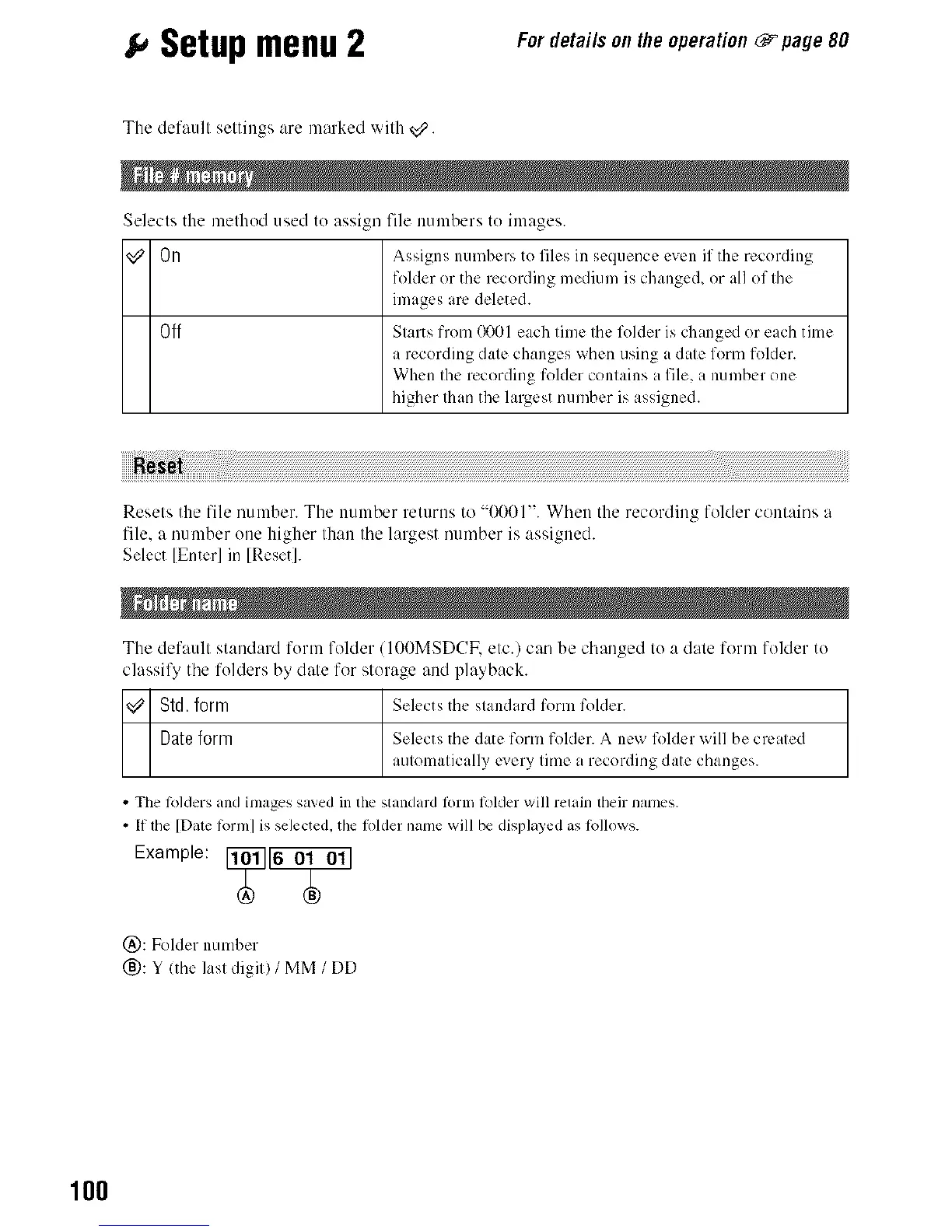
• If die [Date R_rm] is selected, the fl_lder name will be displayed as R_llows.
Exa e
@: Folder number
_): Y lthe last digit) / MM / DD
100



 To Next Page
 Loading...












