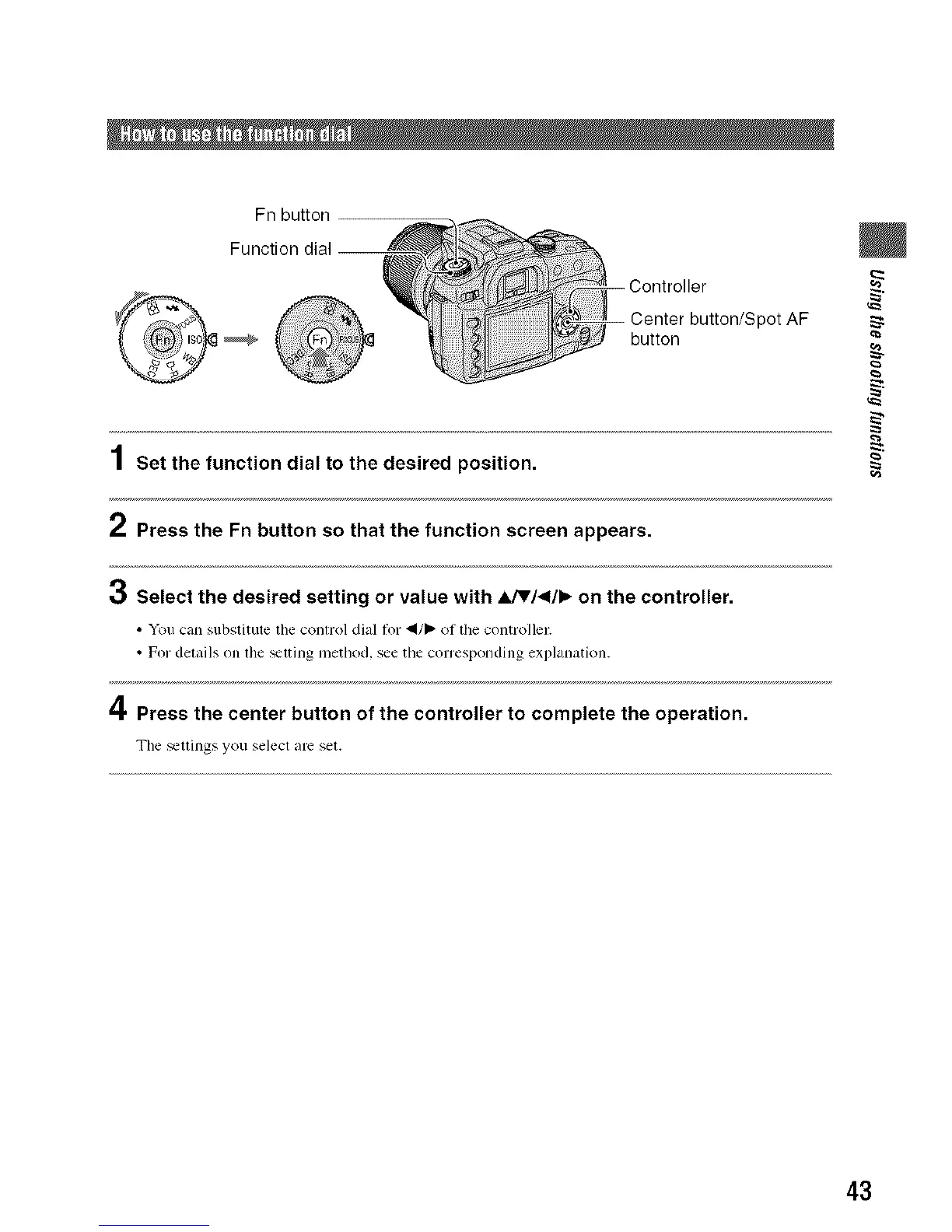
Fn button
button
1 Set the function dial to the desired position.
2 Press the Fn button so that the function screen appears.
3 Select the desired setting or value with _hJV/<l/_ on the controller.
• You can substitute the control dial 1or "_/1_ of the controller.
• For det_filsonthe _tling method, see tilecorresponding explanation.
4 Press the center button of the controller to complete the operation.
Tile _ttings yo/I selectiu'e set.
pot AF
43



 To Next Page
 Loading...












