Sony Visual Products
5. Setting Hotel/Pro mode
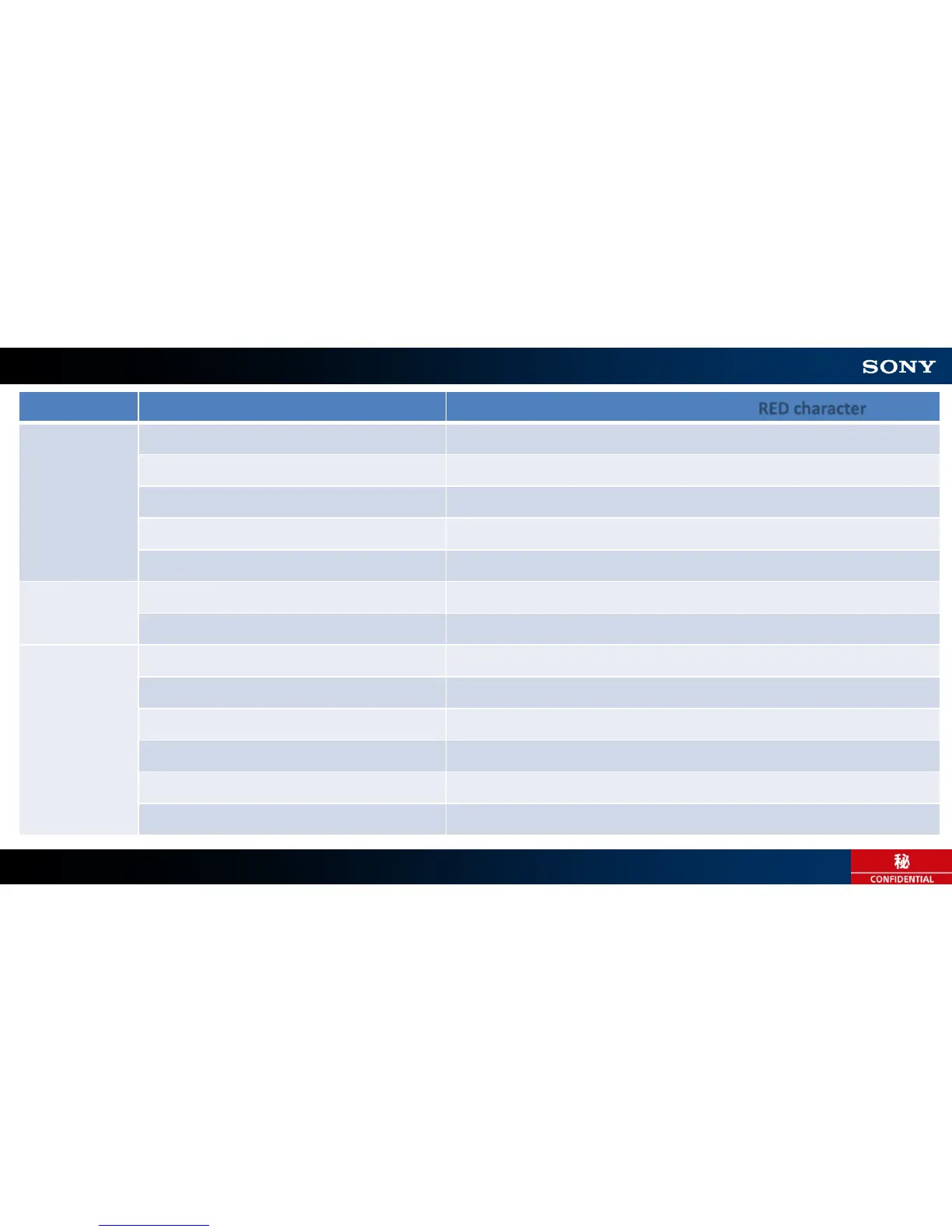
Category Setting Item Available value (Default value : RED character)
Settings Wake up on signal Disable / Always enabled / Specified hours
Home Key behavior Standard menu / Custom menu / Standard and custom menu
NTP Server “blank” (Input URL)
Account Expiration Normal / Until TV turns off
Startup App “blank” (Input URL)
Input source
and volume
Initial input source Default / External input / Startup app
Initial and maximum volume Off / Initial volume(0-100), Maximum volume(0-100)
Function
restrictions
TV/Remote control Enable / Disable
Wide mode key Enable / Disable
Screen mirroring Enable / Disable
External Input
(HDMI1-4, Video/Component) Use with labels / Disable
Built-in Tuner
(Cable/Antenna) Use / Not use
Apps Enable / Enable(Limited) / Disable
9









 To Next Page