Help Guide
Portable Theatre System
HT-AX7
Turning the Power off
Hint
When [Bluetooth Standby] is set to on, the
(Power) indicator lights up in orange when the power is turned off and the speaker
system enters the BLUETOOTH standby mode, allowing operation from a mobile device even when the speaker system is on
standby.
Related Topic
[System Settings]
5-048-914-11(1) Copyright 2023 Sony Corporation
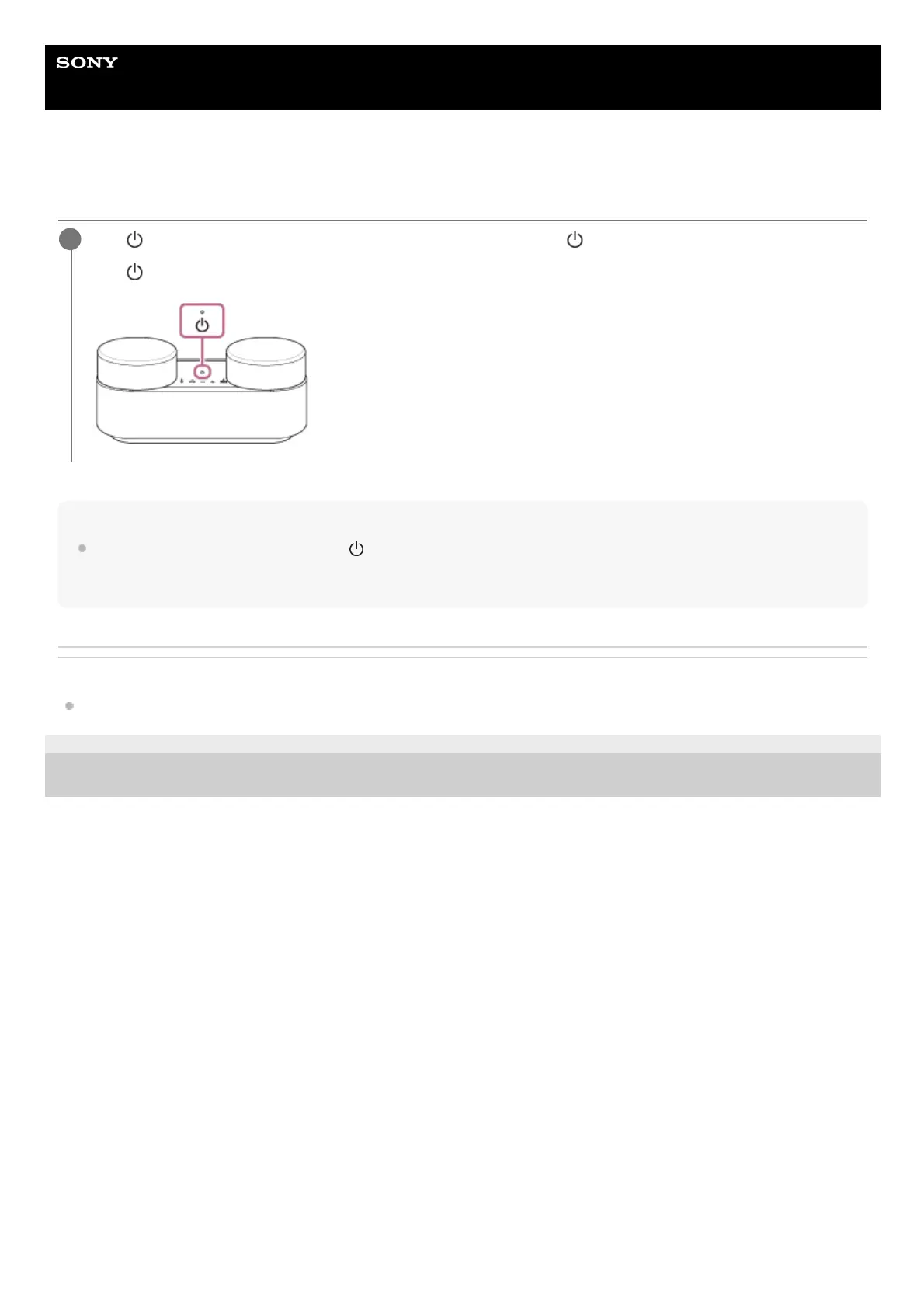
Tap
(Power) on the remote control screen of the app or press (Power) on the front speaker.
The
(Power) indicator on the front speaker turns off and the speaker system turns off.
1



 To Next Page