Help Guide
Portable Theatre System
HT-AX7
Connecting the Speaker System Concurrently with 2 BLUETOOTH Devices (Multipoint
Connection)
While the speaker system is connected concurrently with 2 BLUETOOTH devices via BLUETOOTH connection, you can
do the following:
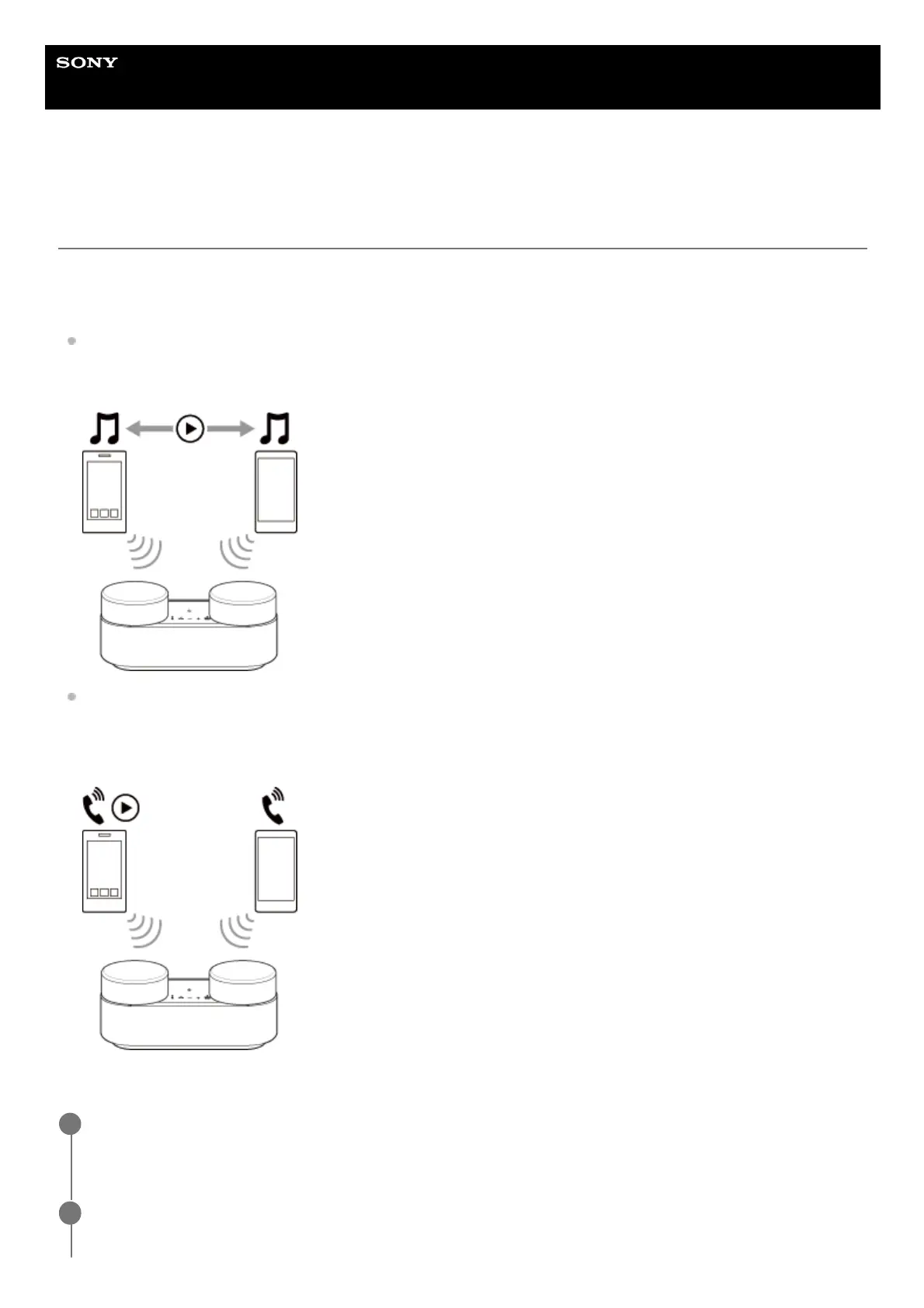
Switching the music playback source between 2 devices
You can switch the music playback source from one device to the other without reestablishing the BLUETOOTH
reconnection.
Standing by for an incoming call to either of the 2 smartphones/iPhone devices
You can keep both of the 2 smartphones/iPhone devices on standby for an incoming call while listening to music
playing on one of the smartphones/iPhone devices, and receive an incoming call to either of the smartphones/iPhone
devices when it arrives.
Connecting the speaker system concurrently with 2 devices via BLUETOOTH connection
Connect the speaker system with the first BLUETOOTH device.
For details about the BLUETOOTH connection, refer to ”Related Topic.”
1
Tap the playback information area on the upper part of the remote control screen of the app.
2



 To Next Page