Help Guide
Portable Theatre System
HT-AX7
Rear Speaker
Note
The rear speakers are connected to the front speaker. Rear speakers by themselves cannot be connected to smartphones or
other devices.
Related Topic
About the Indicators
5-048-914-11(1) Copyright 2023 Sony Corporation
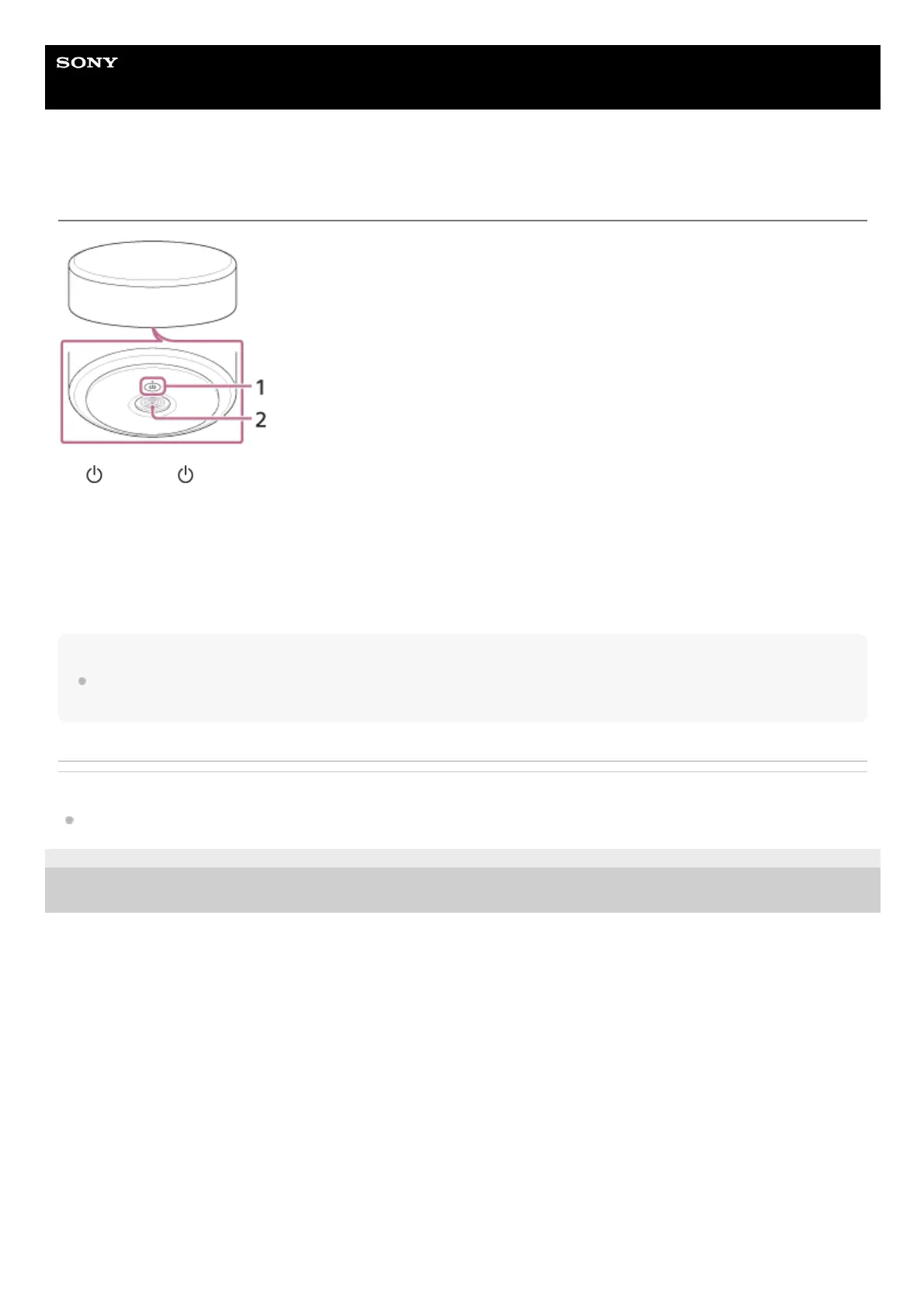
(Power)/ (Power) indicator
Turns on/off the rear speaker.
Press and hold for 10 seconds to restart the rear speaker.
1.
Charging terminal2.
You can check the location of the rear speakers (left/right) with the labels on the bottom of the rear speakers. There is a tactile dot on the outer
circumference of the bottom of the rear left speaker. Use it as a guide to distinguish left and right.
*



 To Next Page