• Even if the system is turned off (active standby
mode), the HDM] signal will be sent from the
connected component to the TV via the HDMI
connection. You can enjoy image and sound of the
component on the TV.
I _'t:ll'T1
I _,t':ll_j
• Depending on the TV, the start of the content may not
be output.
(System A udio Control)
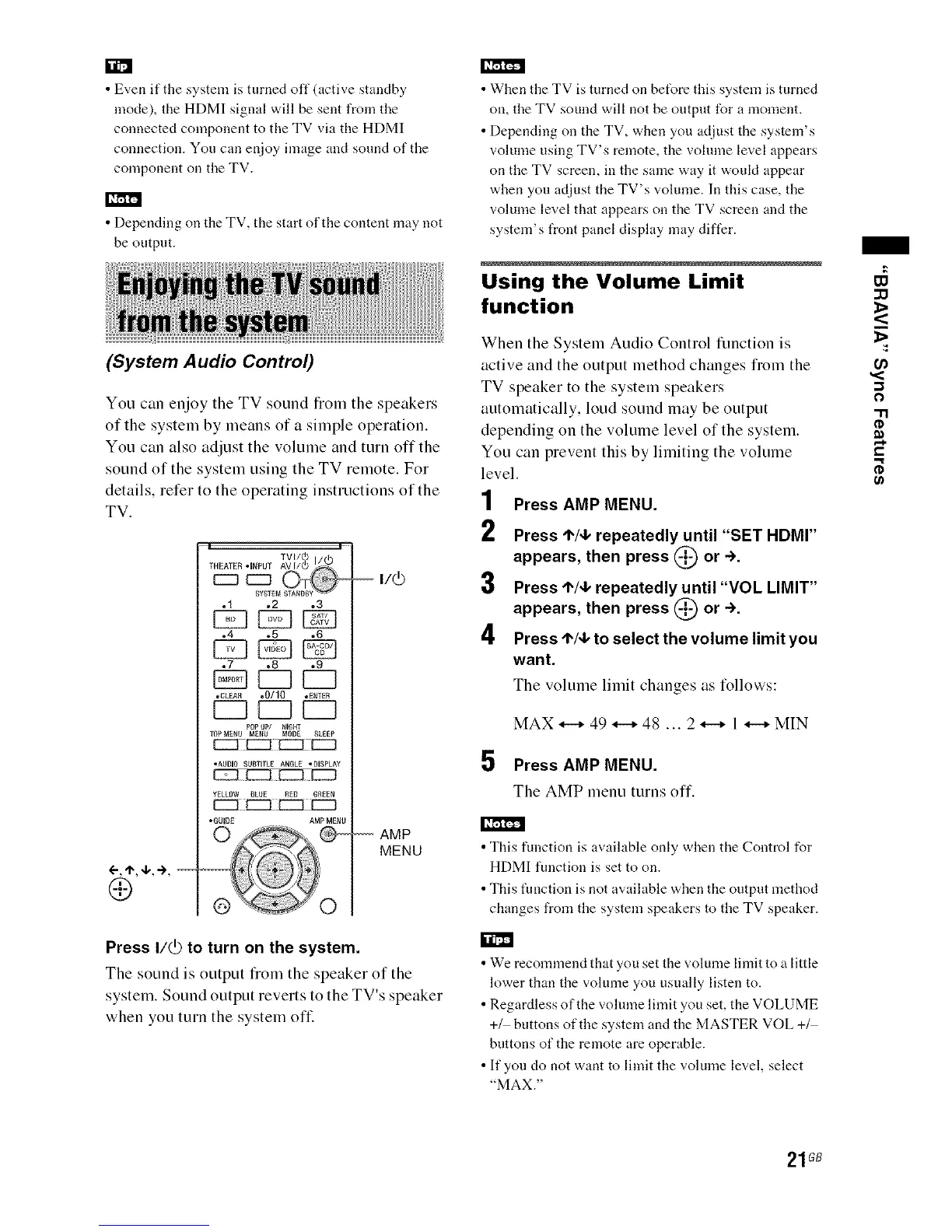
You can enjoy the TV sound from the speakers
of the system by means of a simple operation.
You can also adjust the volume and turn offthe
sound of the system using the TV remote. For
details, refer to the operating instructions of the
TV.
I _'t:ll'T1
::::5 r::
TVW(b I
THEATER "INPUT AVI/(_)_ -(_)
c::] [::J ©_
SYSTEMSTANDBY
.1 ,2 .3
o4 .5 ,6
.7 ,8 .9
EZ] EZ?
•CLEAR .0/10 °E_TER
EL3EL3EL?
P0P UP/ NIGI_T
10P M_NU ME_U MODE SLEEP
ffZ_ _i EEZt EZ_
•AUDIO SUBTITLE ANGLE ,DISPLAY
YELLOW BLUE REO GREEN
•GOID[ AMP MENU
-- v(b
AMP
MENU
Press I/_ to turn on the system.
The sound is output from the speaker of the
system. Sound output reverts to the TV's speaker
when you turn the system off
• When the TV is turned on bet_re this system is turned
on, the TV sound will not be output for a moment.
• Depending on the TV, when you adjust the system's
volume using TV's remote, the volume level appears
on the TV screen, in the same way it woukt appear
when you adjust the TV's volume. In this case, the
volume level that appears on the TV screen and the
systenf s front panel display may differ.
Using the Volume Limit
function
When the System Audio Control timction is
active and the output method changes fiom the
TV speaker to the system speakers
automatically, loud sound may be output
depending on the volume level of the system.
You can prevent this by linfiting the volume
level.
1
2
3
4
5
Press AMP MENU.
Press I"/,I, repeatedly until "SET HDMr'
appears, then press (_ or ÷.
Press I"/,I, repeatedly until "VOL LIMIT"
appears, then press (_) or ->.
Press t"/,I, to select the volume limit you
want.
The volume linfit changes as follows:
MAX_49_48...2_I_MIN
Press AMP MENU.
The AMP menu turns off.
•This function is available only when the Control for
HDMI function is set to on.
• This function is not available when the output method
changes from the system speakers to the TV speaker.
• We recommend that you set the volume limit to a little
lower than the volume you usually listen to.
• Regardless of the volume limit you set, the VOLUME
+_ buttons of the system and the MASTER VOL +_
buttons of the remote are operable.
• If you do not want to limit the volume level, select
"MAX."
-I
0
"1"1
0
€,.
g
(/)
21GB


 To Next Page