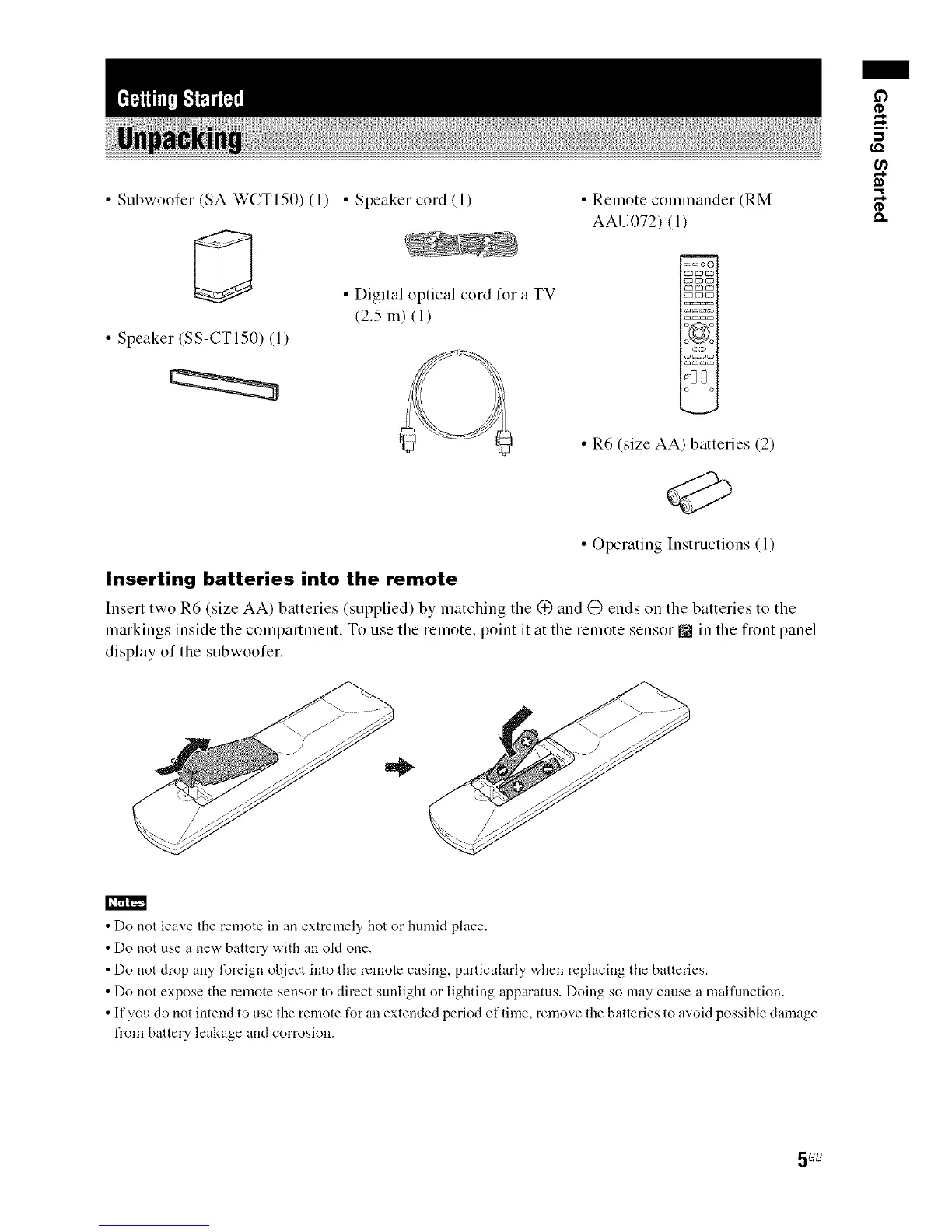
• Subwoofer (SA-WCTI50) (1) • Speaker cord (l)
• Speaker (SS-CTI50) (1)
• Digital optical cord 12)1"a TV
(2.5 m) (1)
• Remote commander (RM-
AAU072) (1)
=_oo
_crlD
o o
• R6 (size AA) batteries (2)
• Operating Instructions (1)
Inserting batteries into the remote
Insert two R6 (size AA) batteries (supplied) by matching the (_ and (_ ends on the batteries to the
markings inside the compartment. To use the remote, point it at the remote sensor m in the fiont panel
display of the subwoofer.
-,,1
¢D
• Do not leave the remote in an extremely hot or humid place.
• Do not use a new battery with an okt one.
• Do not drop any foreign object into the remote casing, particularly when replacing the batteries.
• Do not expose the remote sensor to direct sunlight or lighting apparatus. Doing so may cause a maffunction.
• If you do not intend to use the remote t_r an extended period of time, remove the batteries to avoid possible damage
from battery leakage and corrosion.
5GB



 To Next Page