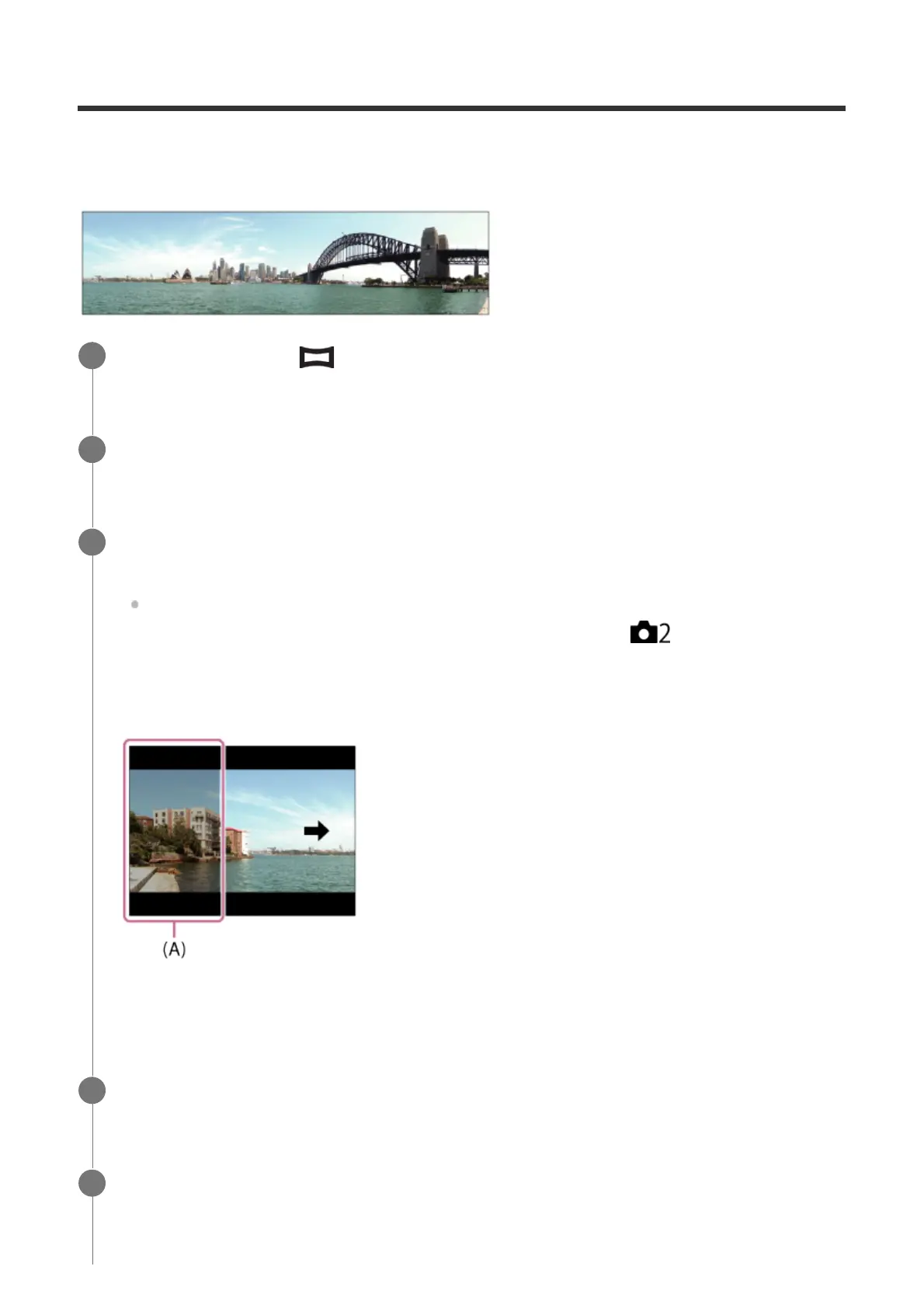
Allows you to create a single panoramic image from multiple images shot while panning the
camera.
Set the mode dial to (Sweep Panorama).
1
Point the camera at the subject.
2
While pressing the shutter button halfway down, aim the camera at one end of the
desired panoramic composition.
You can change the shooting direction prior to shooting using the front/rear dial.
Available dials vary depending on the settings on MENU →
(Camera Settings2)
→ [Dial Ev Comp].
(A) This part will not be shot.
3
Press the shutter button fully down.
4
Pan the camera to the end of the guide in the direction of the arrow on the monitor.
5



 To Next Page