Hint
If you select the MENU → (Camera Settings2) → [Custom Key(Shoot.)] → [AEL Button] →
[AEL toggle], you can lock the exposure without holding down the button.
Note
[ AEL hold] and [ AEL toggle] are not available when using zoom functions other than optical
zoom.
[97] Shooting Adjusting the exposure modes/metering modes
AEL w/ shutter (still image)
Sets whether to fix the exposure when you press the shutter button halfway down.
Select [Off] to adjust the focus and the exposure separately.
Adjust the focus on the spot at which the exposure is adjusted.
1
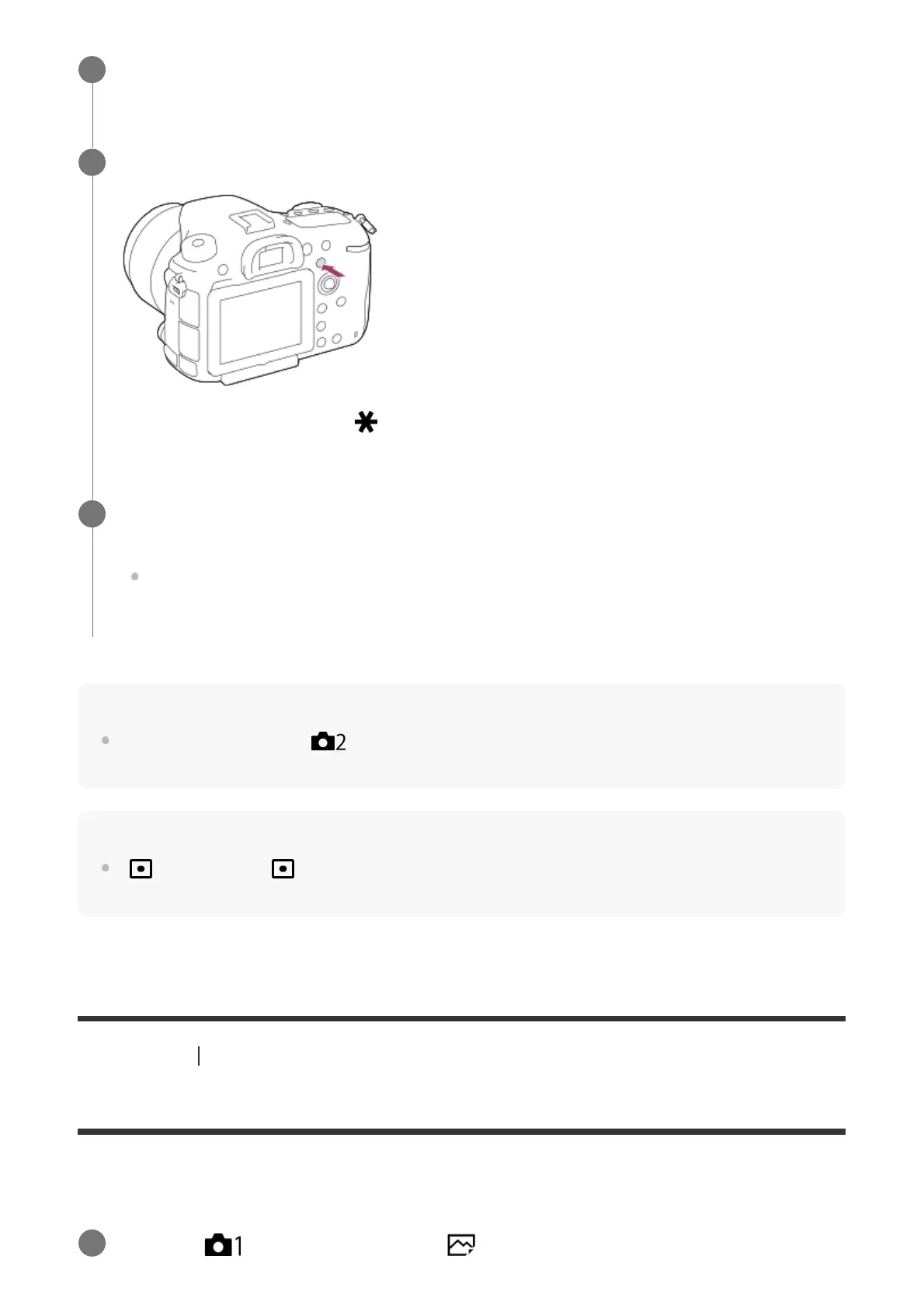
Press the AEL button.
The exposure is locked, and (AE lock) is displayed.
2
Keep pressing the AEL button and focus on the subject again, then shoot the
picture.
Keep holding the AEL button down while taking a shot if you want to continue shooting
with the fixed exposure. Release the button to reset the exposure.
3
MENU →
(Camera Settings1) → [ AEL w/ shutter] → desired setting.
1



 To Next Page