[166] Viewing Viewing images
Playing back panoramic images
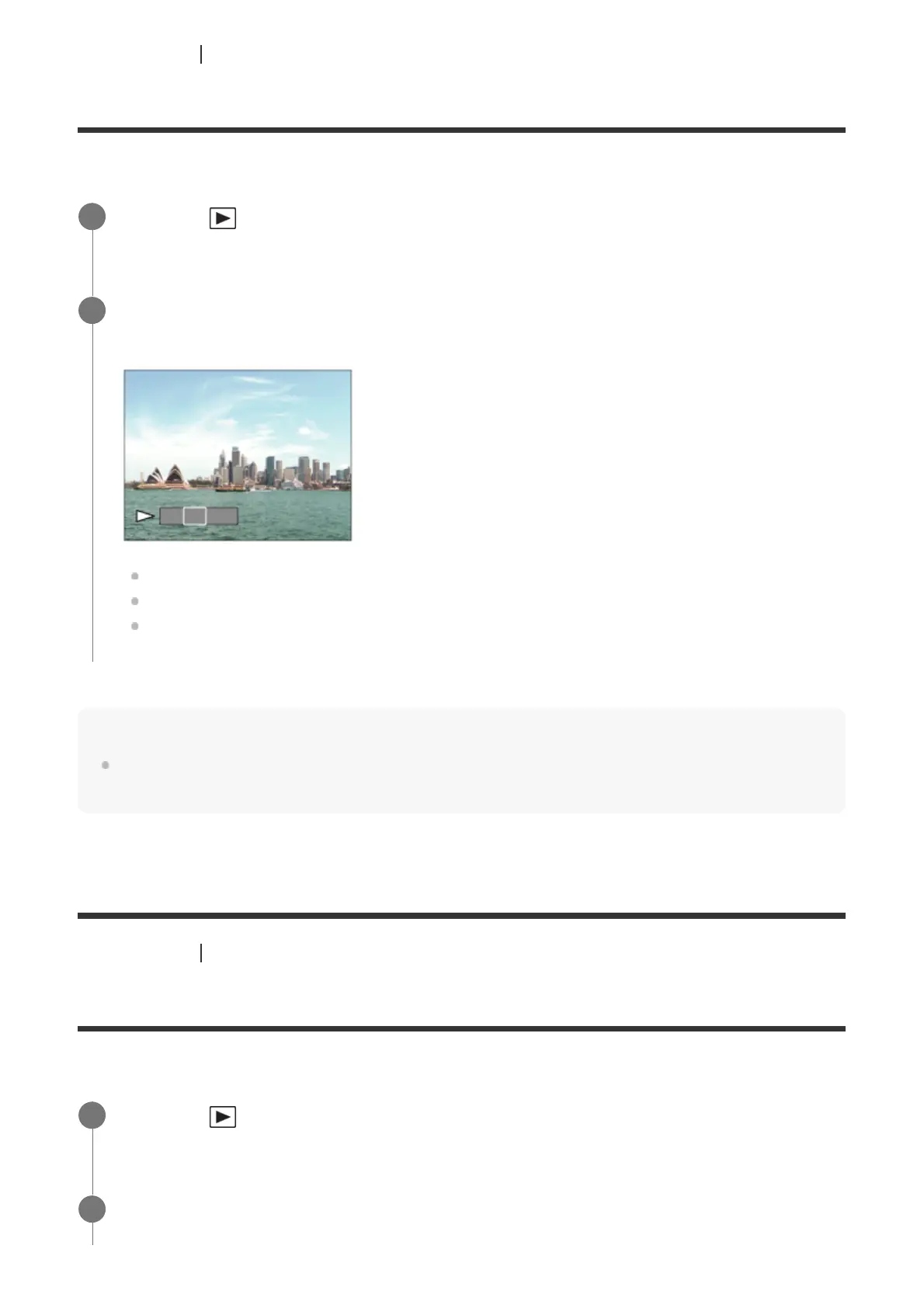
The product automatically scrolls a panoramic image from end to end.
Note
Panoramic images shot using other products may be displayed in a different size from the actual
size, or may not scroll correctly.
[167] Viewing Viewing images
Playing back movies
Plays back the recorded movies.
Press the
(Playback) button to switch to playback mode.
1
Select the panoramic image to be played back using the multi-selector and press
the center to start playback.
To pause playback, press the center again.
To scroll panoramic images manually, press the up/down/right/left during pause.
To return to the display of the entire image, press the MENU button.
2
Press the
(playback) button to switch to playback mode.
1
Select the movie to be played back using the multi-selector and press the center of
the multi-selector to start playback.
2



 To Next Page