You can set whether [Delete] or [Cancel] is selected as the default setting on the delete
confirmation screen.
Menu item details
"Delete" first:
[Delete] is selected as the default setting.
"Cancel" first:
[Cancel] is selected as the default setting.
[180] Viewing
Viewing images on a TV
Viewing images on a TV using an HDMI cable
To view images stored on this product using a TV, an HDMI cable (sold separately) and an HD
TV equipped with an HDMI jack are required.
MENU →
(Setup) → [Delete confirm.] → desired setting.
1
Turn off both this product and the TV.
1
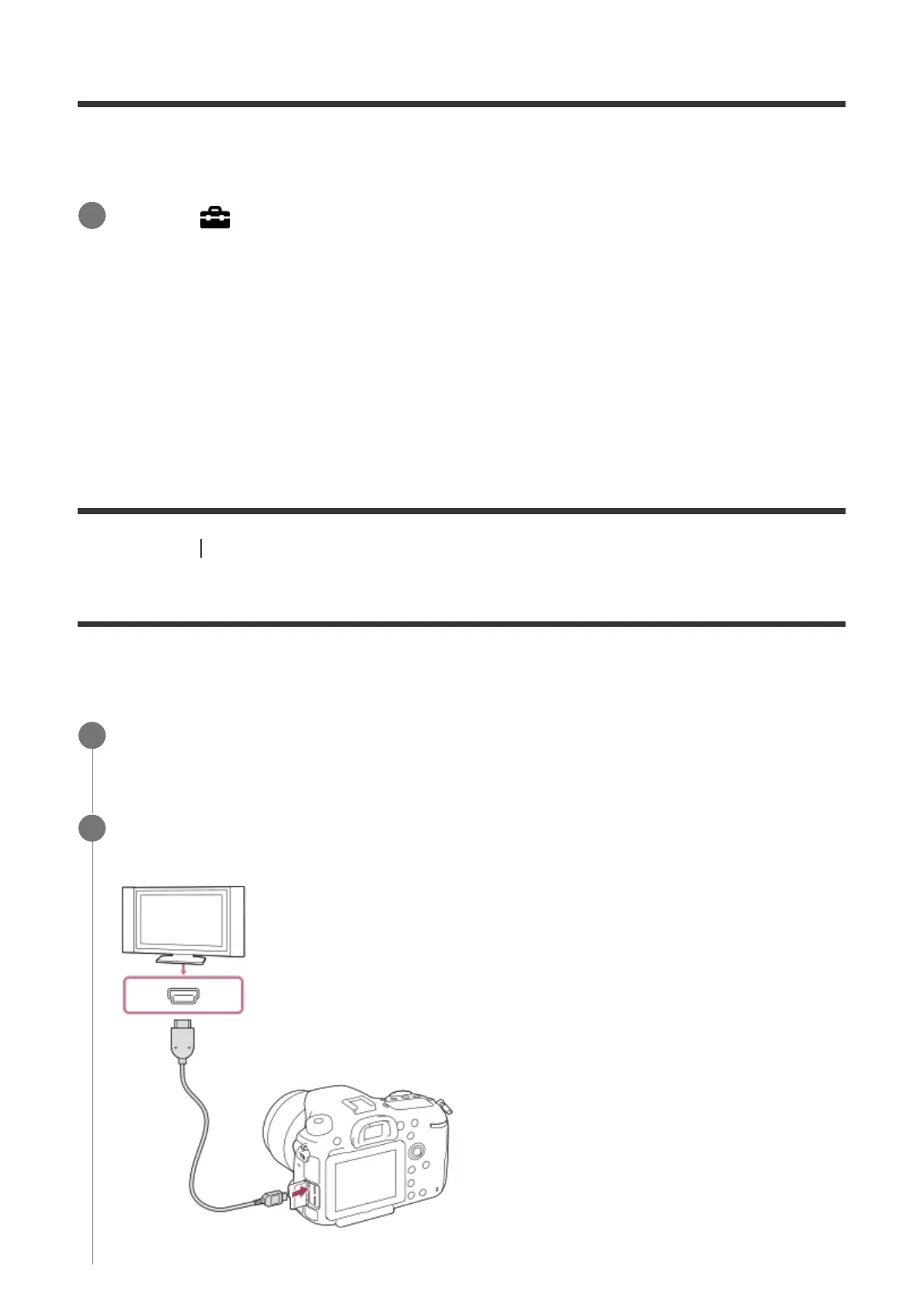
Connect the HDMI micro terminal of this product to the HDMI jack of the TV using an
HDMI cable (sold separately).
2



 To Next Page