[4] Names of parts/Icons and indicators Names of parts
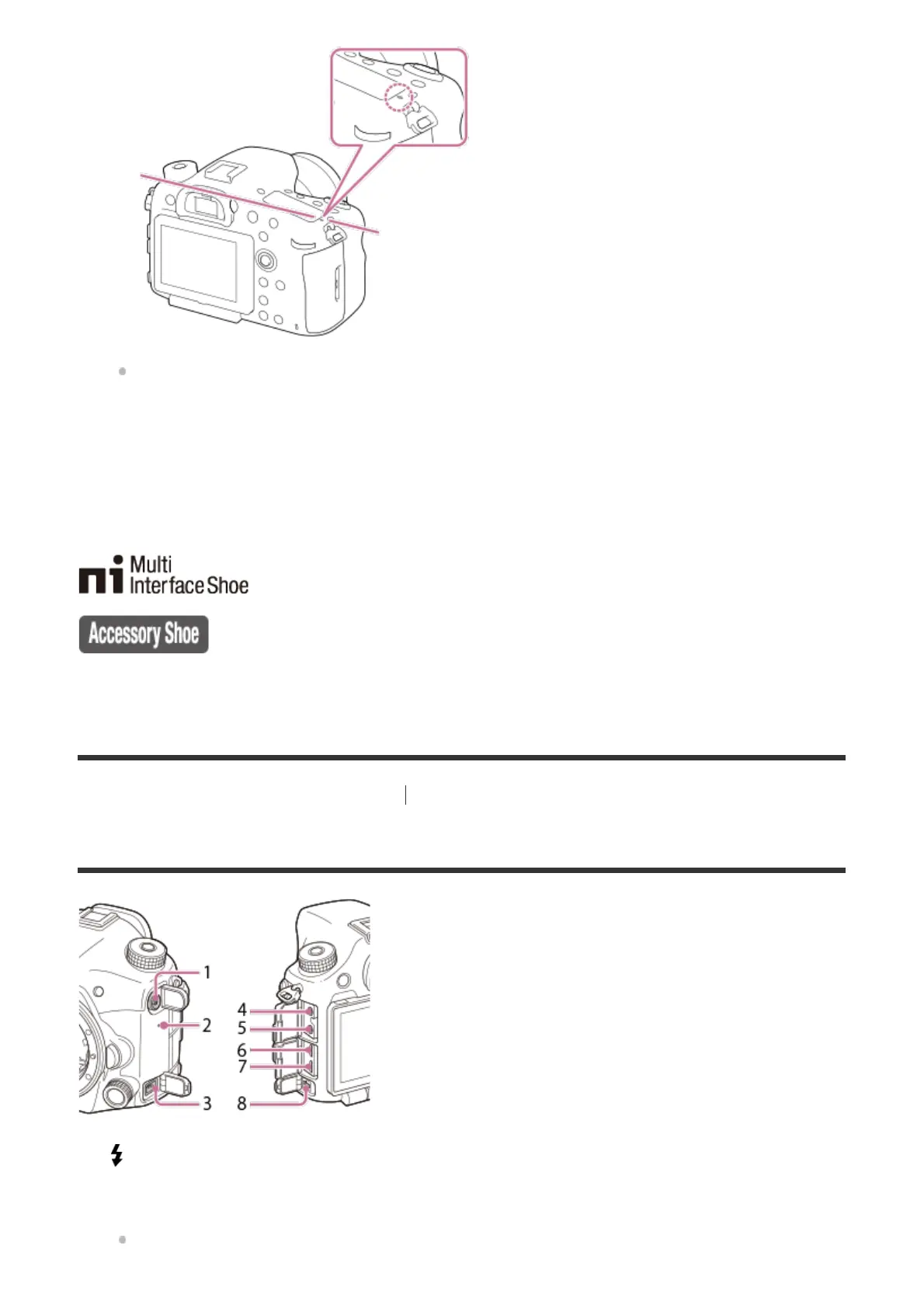
Sides
If the subject is closer than the minimum shooting distance of the lens, the focus cannot
be confirmed. Make sure you put enough distance between the subject and the camera.
Display panel
10.
For details on compatible accessories for the multi interface shoe, visit the Sony website, or consult your Sony
dealer or local authorized Sony service facility.
Accessories for the Accessory Shoe can also be used. Operations with other manufactures’ accessories are not
guaranteed.
*
(Flash sync) terminal
1.
Speaker
2.
REMOTE terminal
When connecting the Remote Commander (sold separately) to the camera, insert the
3.



 To Next Page