Note
Log on as Administrator.
It may be necessary to restart your computer. When the restart confirmation message appears,
restart the computer following the instructions on the screen.
DirectX may be installed depending on your computer’s system environment.
[252] Using a computer Importing images for use on a computer
Connecting the camera to a computer
operation or the access screen is displayed. Doing so may damage the data.
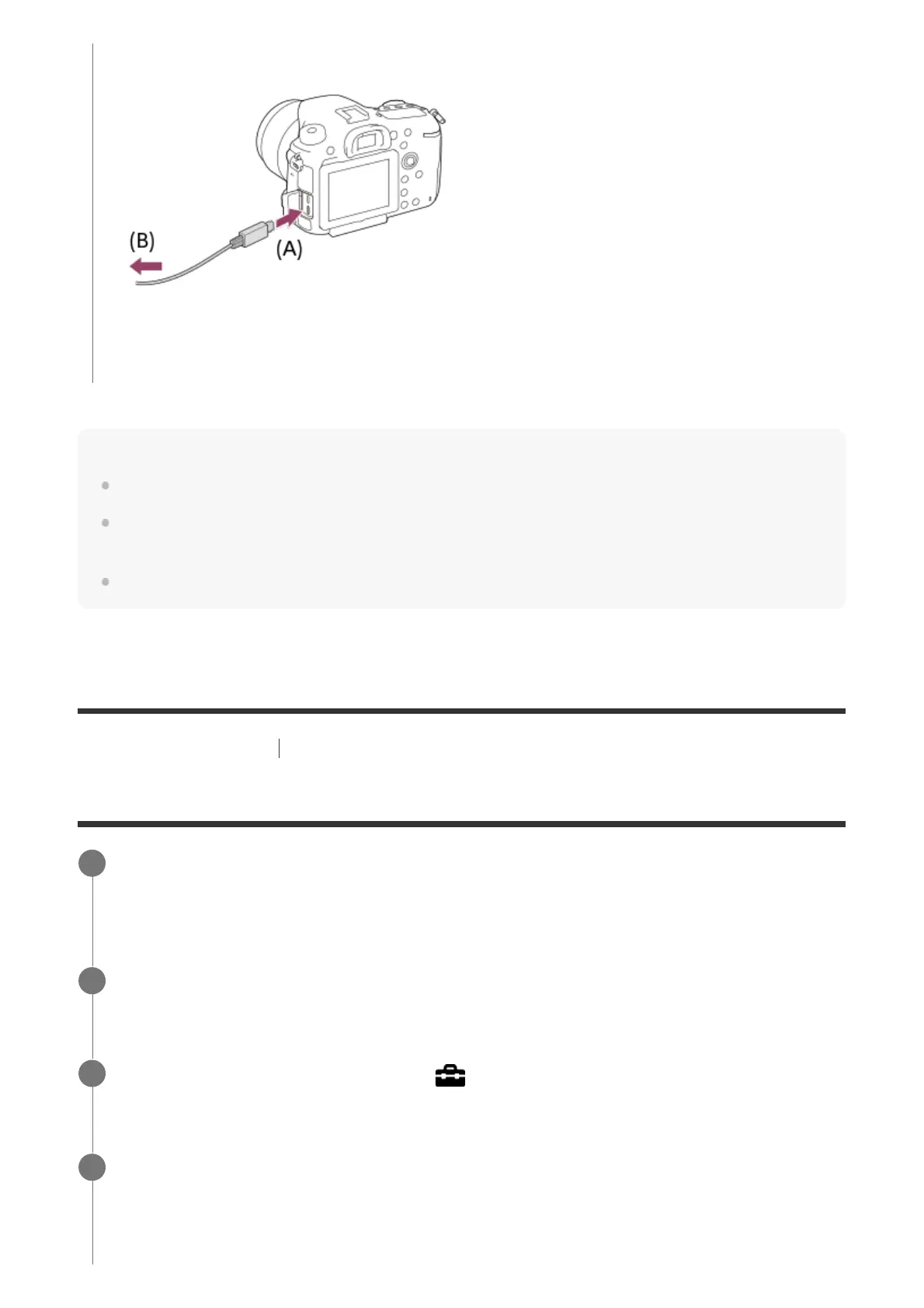
A: To the Multi/Micro USB Terminal
B: To the USB jack of the computer
Insert a fully charged battery pack into the camera, or connect the camera to a wall
outlet (wall socket) using an AC Adaptor (sold separately).
1
Turn on the camera and the computer.
2
Check that [USB Connection] under
(Setup) is set to [Mass Storage].
3
Connect the camera to the computer using the micro USB cable (supplied) (A).
4



 To Next Page