[264] List of MENU items Camera Settings1
Quality (still image)
Menu item details
RAW:
File format: RAW
Digital processing is not performed on this file format. Select this format to process images on a
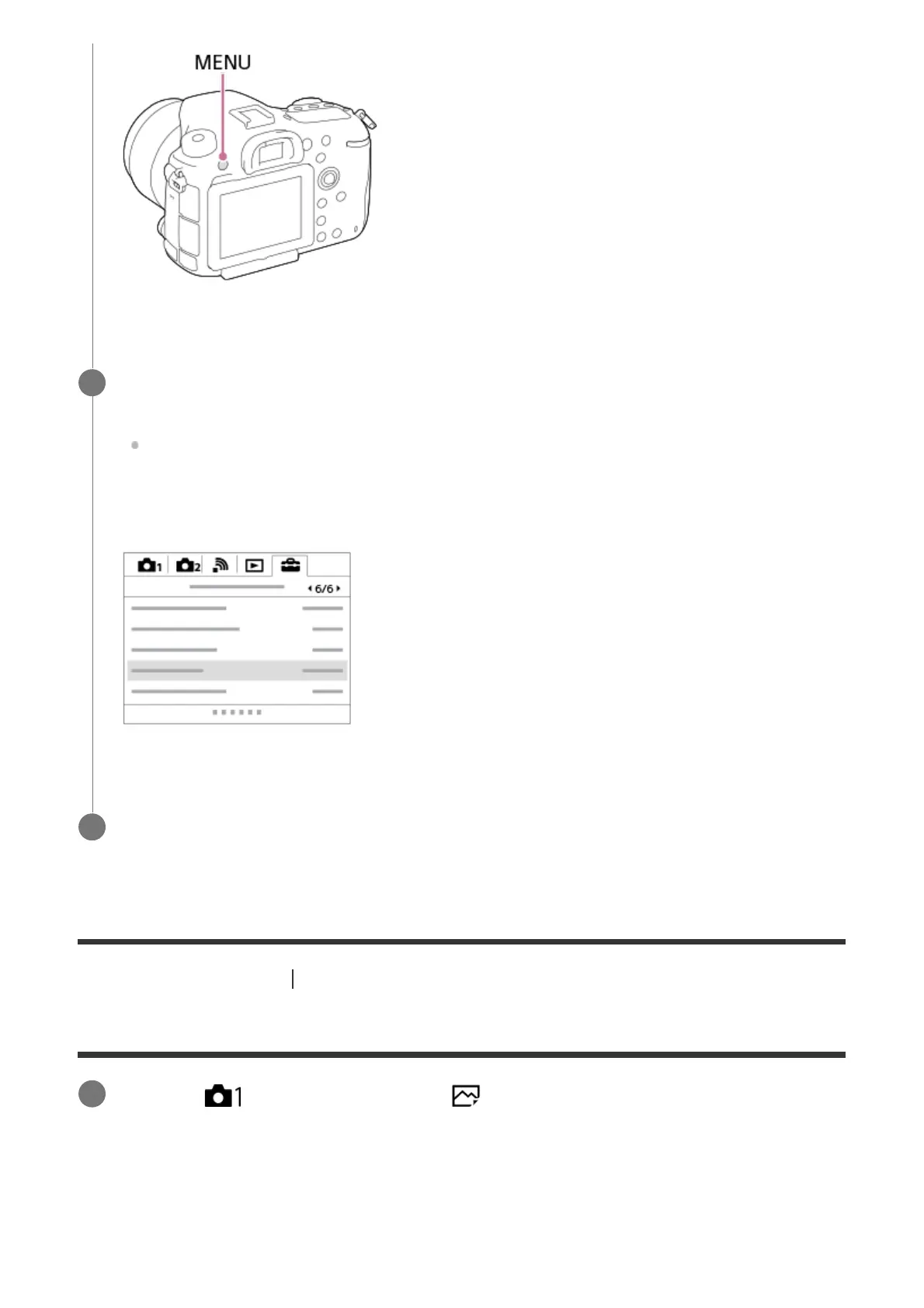
Select the desired setting you want to adjust by pressing the multi-selector
up/down/left/right, and then press the center of the multi-selector.
Select an icon at the top of the screen and press the multi-selector left/right to switch to
a different MENU category.
2
Select the desired setting value, and press the center to confirm your selection.
3
MENU →
(Camera Settings1) → [ Quality] → desired setting.
1



 To Next Page