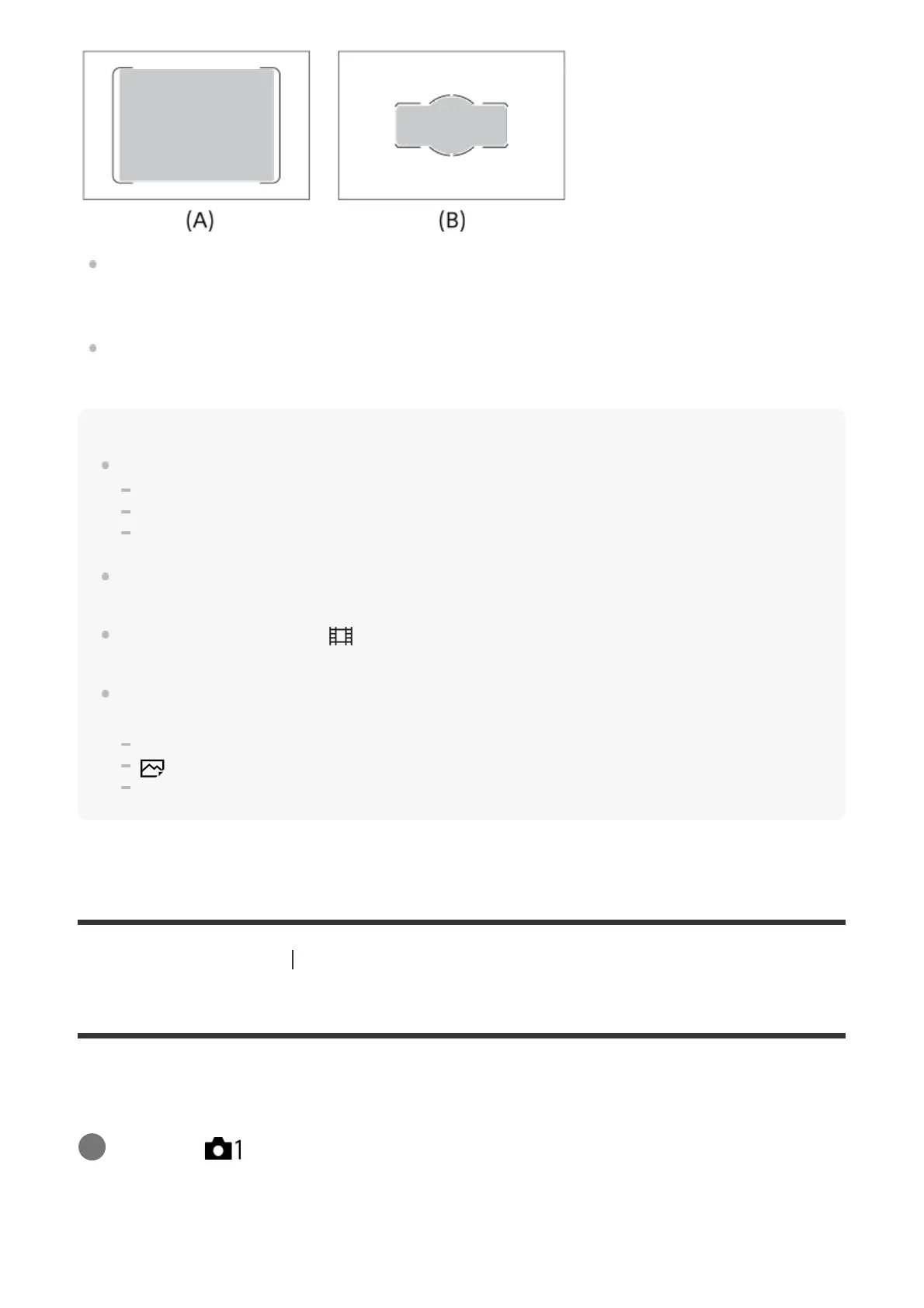
When [Zone] is selected, the focus area is divided into 15 zones in (A), or 9 zones in (B).
To move the focus area
You can move the focus area in [Flexible Spot], [Expand Flexible Spot] or [Zone] by
operating the multi-selector.
Note
[Focus Area] is locked to [Wide] in the following situations:
[Intelligent Auto]
Lock-on AF
[Eye AF]
The focus area may not light up during continuous shooting or when the shutter button is pressed all
the way down at once.
When the mode dial is set to
(Movie/S&Q Motion) or during movie shooting, [Lock-on AF] cannot
be selected as the [Focus Area].
When using the following zoom functions, a dotted square frame may appear around the whole
screen depending on the zoom scale. The camera will perform auto focusing using the entire screen.
Smart Zoom
Clear Image Zoom
Digital Zoom
[285] List of MENU items Camera Settings1
Selectable AF Area
Although this product can focus using 399 focus points at maximum, you can also limit the
available focus points manually.
Menu item details
MENU → (Camera Settings1) → [Selectable AF Area] → desired setting.
1



 To Next Page