When focusing on a focus area other than that of the dedicated phase detection AF sensor.
The AF illuminator emits a very bright light. Although there is no health hazard, do not look directly
into the AF illuminator at close range.
[289] List of MENU items Camera Settings1
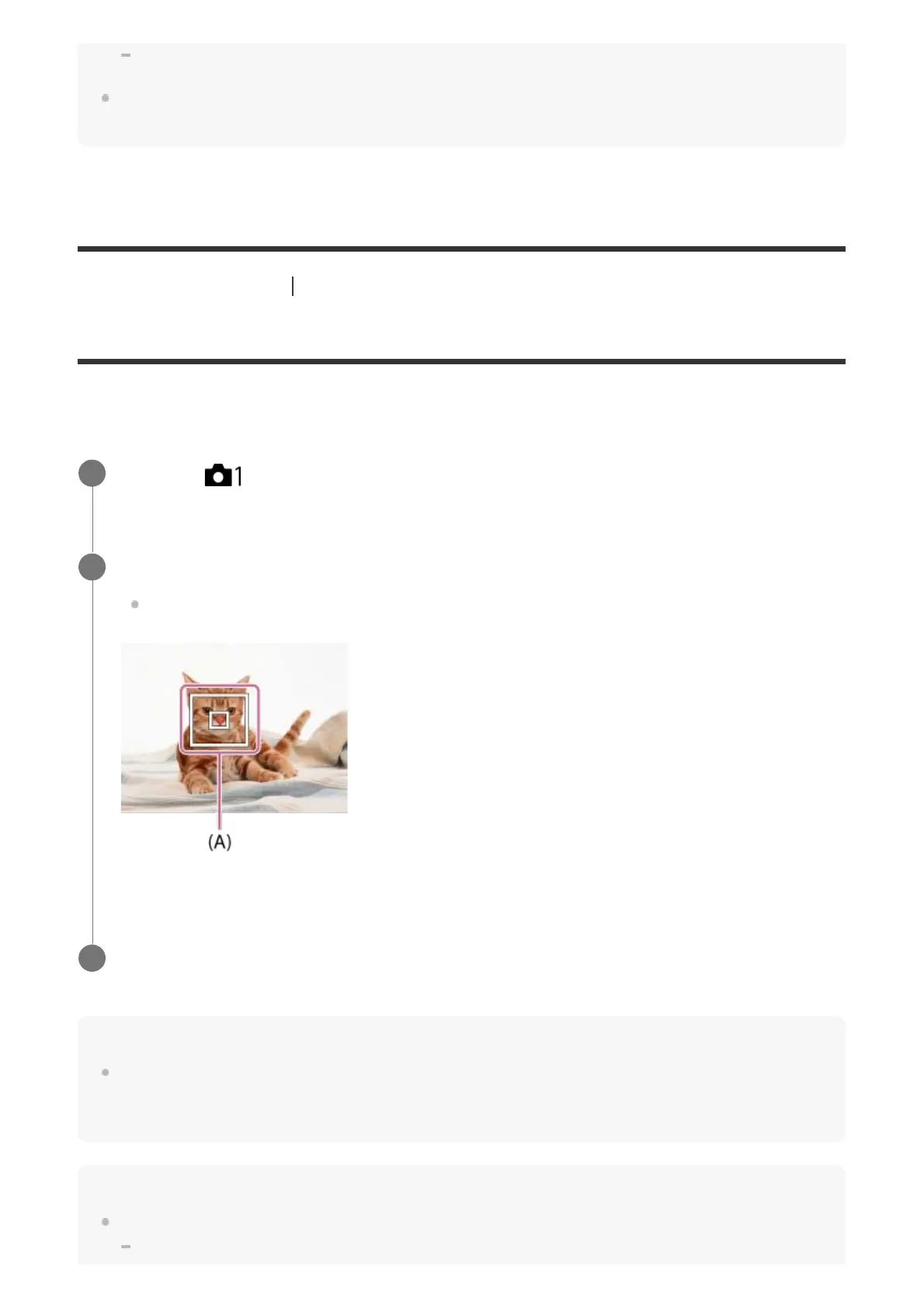
Center Lock-on AF
When you press the center of the multi-selector, the camera detects the subject positioned in
the center of the screen and continues to track the subject.
Hint
You can activate [Center Lock-on AF] by pressing the key to which [Focus Standard] is assigned in
[Custom Key(Shoot.)] when [Center Lock-on AF] is set to [On]. You can also detect the subject again
by pressing the key to which [Focus Standard] is assigned.
Note
The [Center Lock-on AF] function may not function very well in the following situations:
The subject is moving too quickly.
MENU → (Camera Settings1) → [Center Lock-on AF] → [On].
1
Align the target frame (A) over the subject and press the center of the multi-selector.
Press the center again to stop tracking.
2
Press the shutter button fully down to shoot the image.
3



 To Next Page