[330] List of MENU items Camera Settings2
Record Setting (movie)
Selects the image size, frame rate, and image quality for movie recording. The higher the bit-
rate, the higher the image quality.
Menu item details
When [
File Format] is set to [XAVC S 4K]
Records high-definition movies by converting them into the MP4 file format using the MPEG-4
AVC/H.264 codec.
When [ File Format] is set to [XAVC S HD]
Records high-definition movies by converting them into the MP4 file format using the MPEG-4
AVC/H.264 codec.
When [ File Format] is set to [AVCHD]
60i/50i: Movies are recorded at approximately 60 fields/sec (for 1080 60i-compatible devices) or
50 fields/sec (for 1080 50i-compatible devices), in interlaced mode with Dolby Digital audio and
MENU →
(Camera Settings2) → [ Record Setting] → desired setting.
1
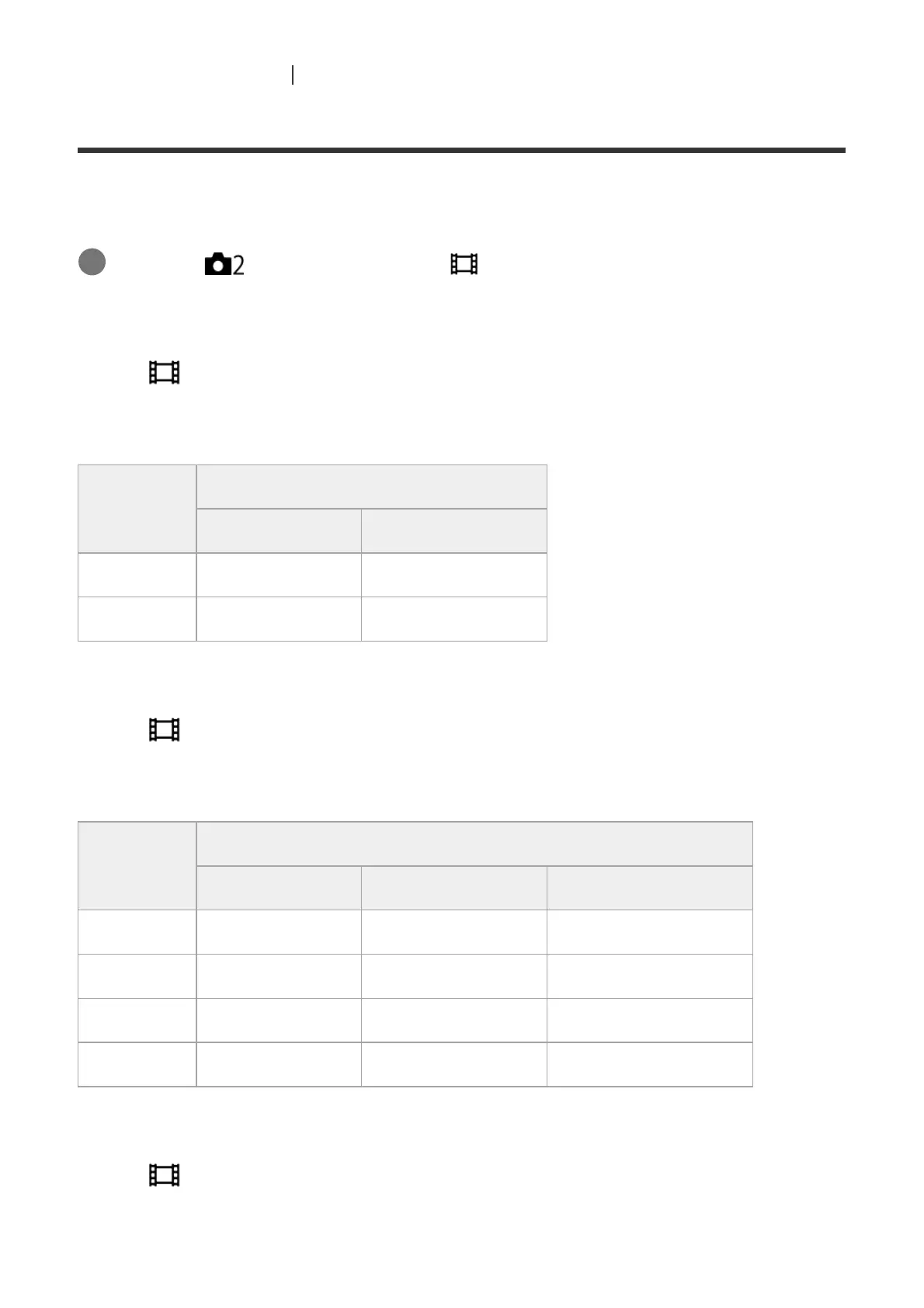
Frame Rate
Bit-rate
60 Mbps 100 Mbps
30p/25p 30p 60M/25p 60M 30p 100M/25p 100M
24p 24p 60M* 24p 100M*
Only when [NTSC/PAL Selector] is set to NTSC
*
Frame Rate
Bit-rate
50 Mbps 60 Mbps 100 Mbps
120p/100p ― 120p 60M/100p 60M 120p 100M/100p 100M
60p/50p 60p 50M/50p 50M ― ―
30p/25p 30p 50M/25p 50M ― ―
24p 24p 50M* ― ―
Only when [NTSC/PAL Selector] is set to NTSC
*



 To Next Page