When the zoom range of the Clear Image Zoom is exceeded, the product magnifies images to
the largest scale. However, the image quality will deteriorate.
Note
Set [Optical zoom only] if you want to magnify images within the range in which image quality does
not deteriorate.
[350] List of MENU items Camera Settings2
DISP Button (Monitor/Finder)
Allows you to set the screen display modes that can be selected using DISP (Display Setting) in
shooting mode.
Menu item details
Graphic Display :
Shows basic shooting information. Graphically shows the shutter speed and aperture value.
Display All Info. :
Shows recording information.
No Disp. Info. :
Does not show recording information.
Histogram :
Displays the luminance distribution graphically.
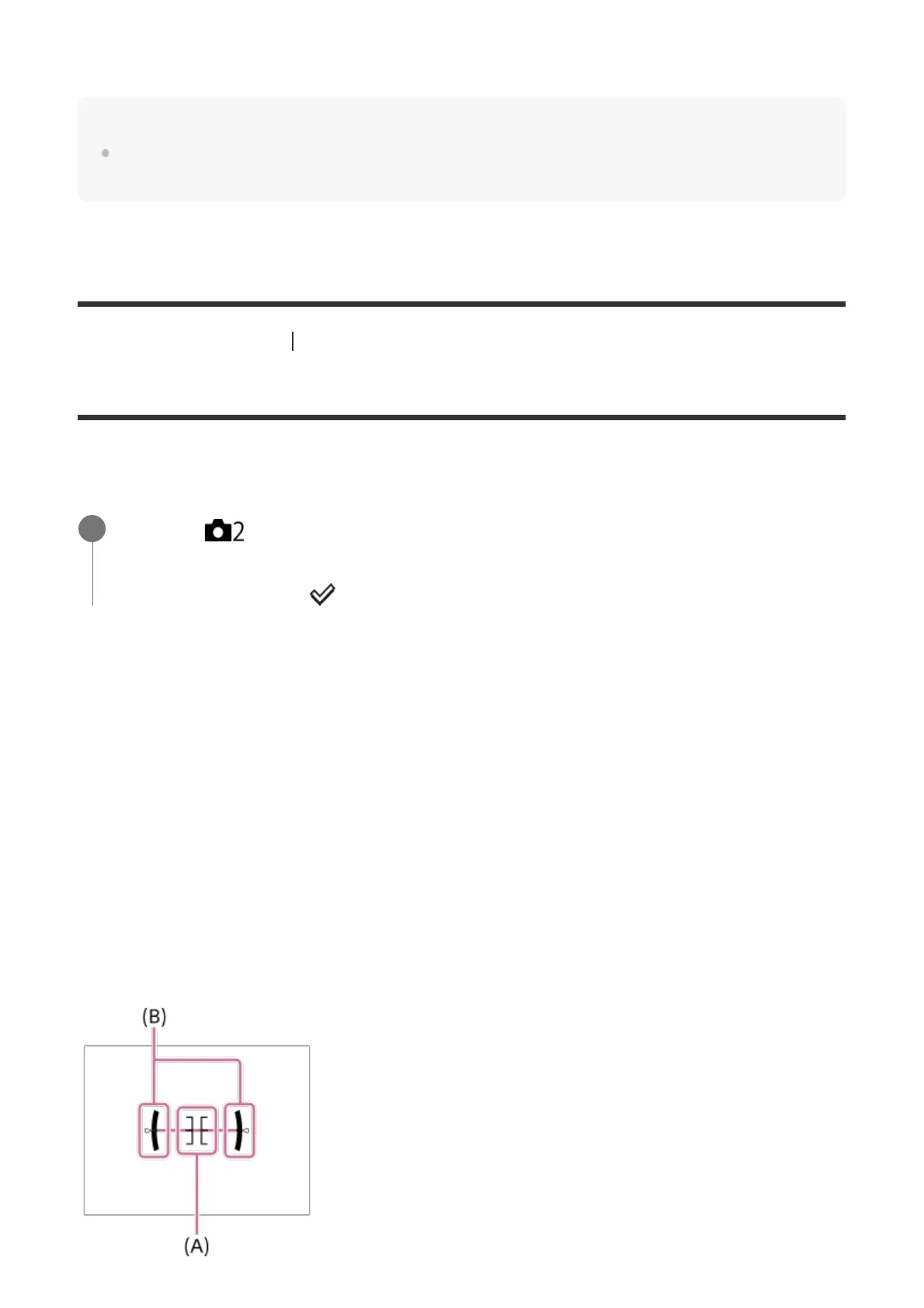
Level :
Indicates whether the product is level in both the front-back (A) and horizontal (B) directions.
When the product is level in both directions, the indicator turns to green.
MENU → (Camera Settings2) → [DISP Button] → [Monitor] or [Finder] →
desired setting → [Enter].
The items marked with
are available.
1



 To Next Page