Turn off the product following the instructions on the screen.
3
Detach the lens.
4
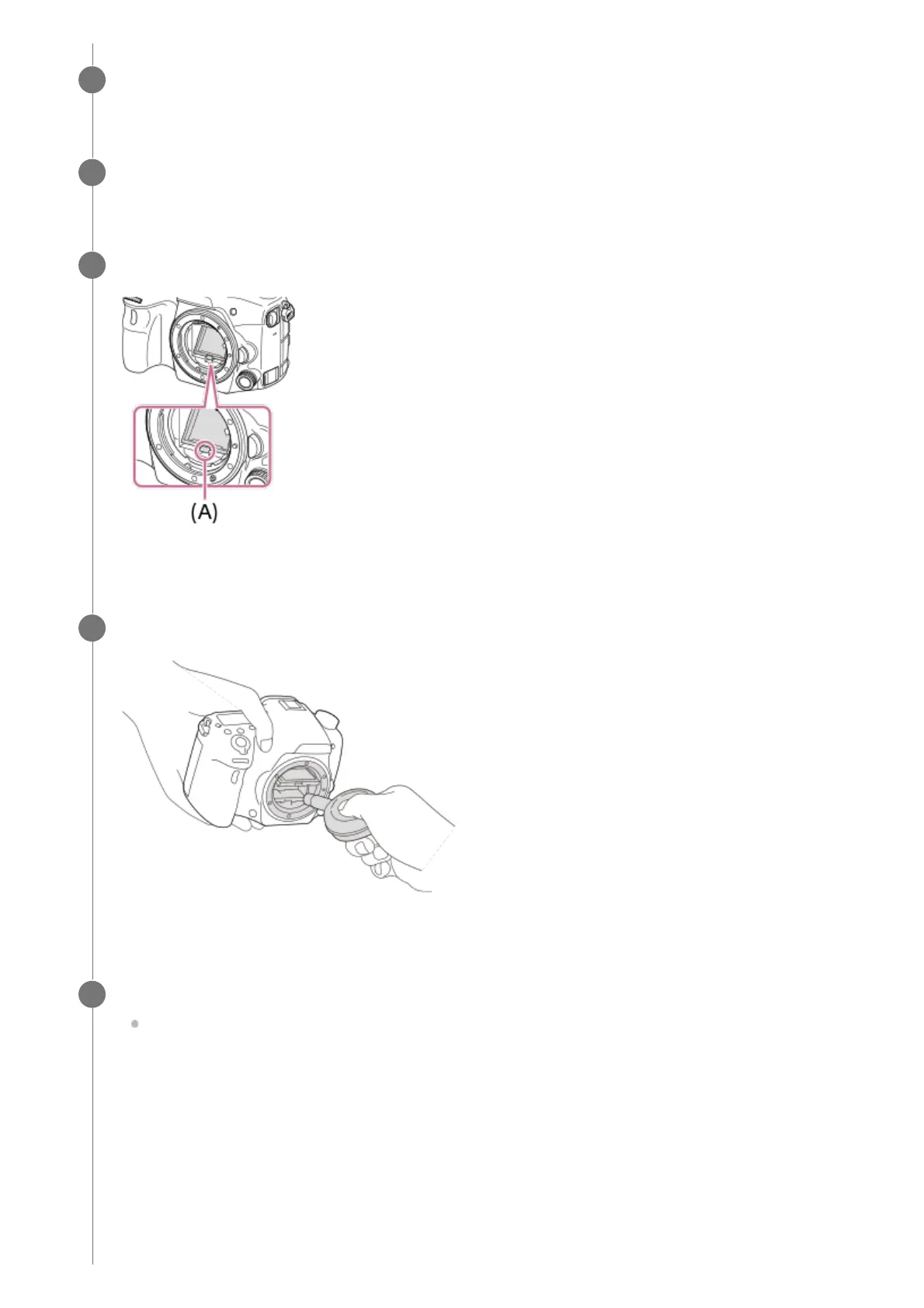
Push the mirror lock lever (A) and open the mirror.
5
Use the blower to clean the image sensor surface and the surrounding area.
6
After you finish cleaning the image sensor, push down the mirror until it clicks.
Push down either side (B) of the mirror.
7



 To Next Page