This camera does not have a function for inserting the date on images. You can insert the date on
images and then save and print them using PlayMemories Home (for Windows only).
[29] Preparing the camera
In-Camera Guide
The [In-Camera Guide] displays descriptions of MENU items, Fn (Function) items, and settings.
Assign the [In-Camera Guide] function to the desired key in advance using [Custom
Key(Shoot.)].
[30] Shooting
Shooting still images
MENU → (Camera Settings2) → [Custom Key(Shoot.)] → desired key, then
assign the [In-Camera Guide] function to the key.
The [In-Camera Guide] function cannot be assigned to some keys.
1
Select the MENU or Fn item of which you want to see descriptions, then press the
button to which the [In-Camera Guide] function is assigned.
The descriptions of the item are displayed.
2
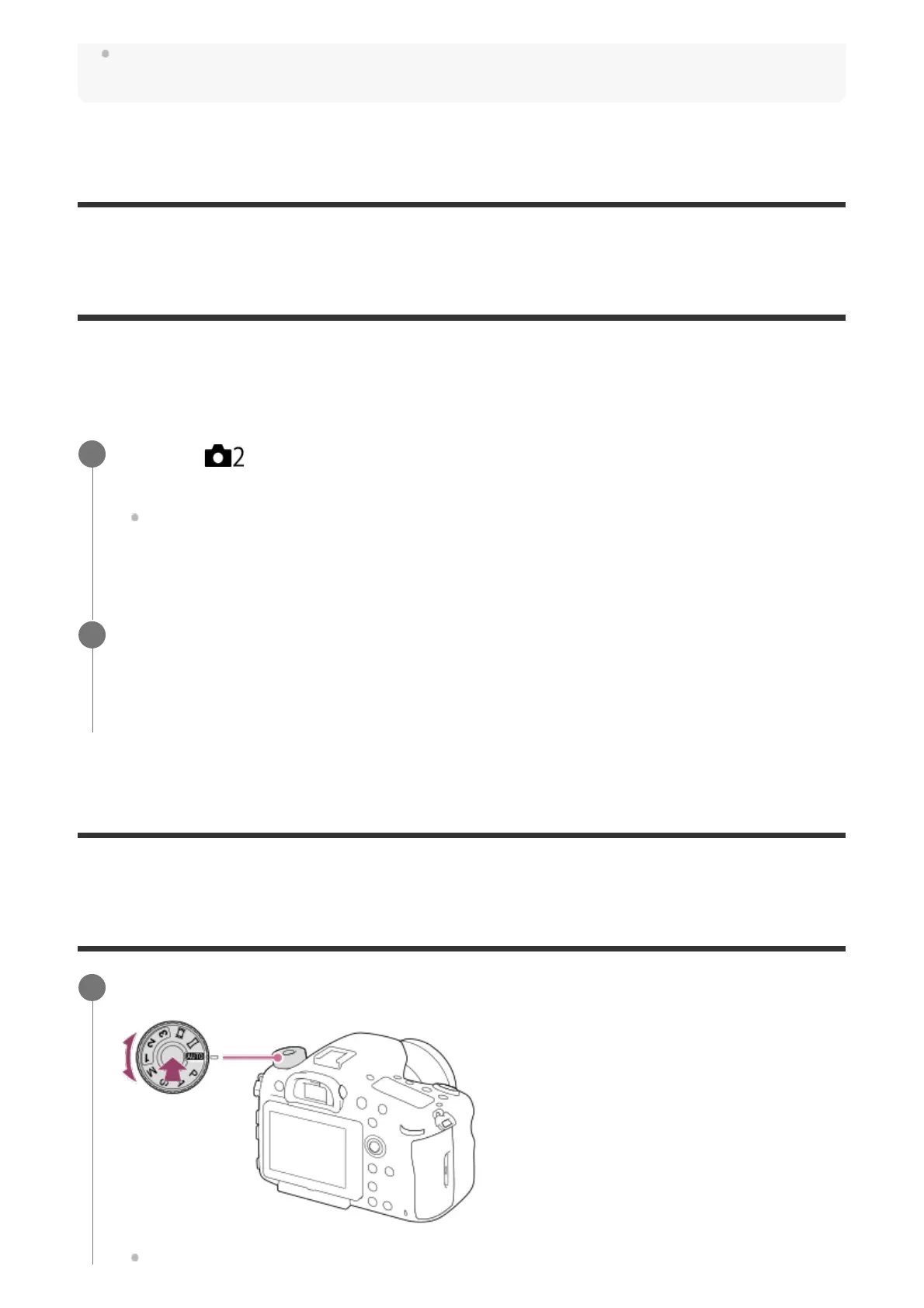
Select the desired shooting mode by turning the mode dial.
1



 To Next Page