161
GB
Table of
contents
Sample photo Menu Index
Installing the software
Log on as Administrator.
Installing “PlayMemories Home”
1 Using the Internet browser on your computer, go to the following URL and
install PlayMemories Home.
www.sony.net/pm/
• Proceed the installation by following the instructions on the screen.
• When installation is completed, PlayMemories Home starts up.
• If PMB (Picture Motion Browser) supplied with a product that was purchased before 2011 has
already been installed on the computer, PMB will be overwritten by PlayMemories Home. Please
use PlayMemories Home.
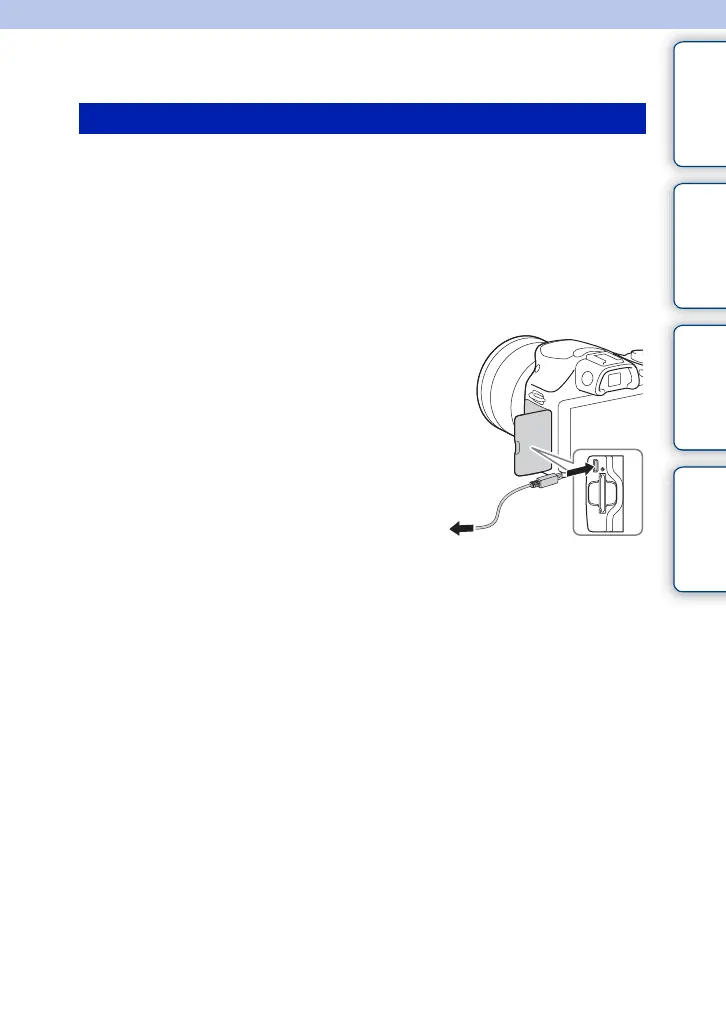
2 Connect the product and your computer
using the supplied micro USB cable.
• New functions may be added to PlayMemories Home. Even
if PlayMemories Home has already been installed on your
computer, connect this product and your computer again.
To a USB jack
Continued r



 To Next Page