97
GB
Table of
contents
Sample photo Menu Index
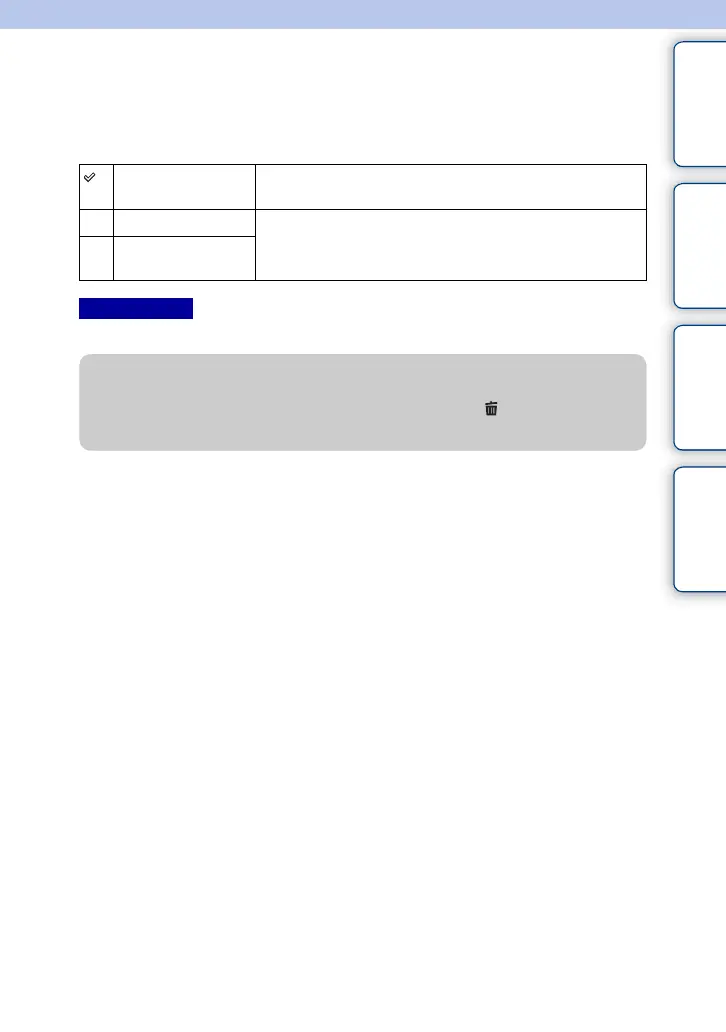
Delete
Allows you to select unwanted images for deletion.
1 MENU t [Playback] t [Delete] t desired mode.
• You can select up to 100 images.
Multiple Img. Deletes the selected images. Press the center of the control wheel
to select OK.
All in Folder Deletes all images in the selected folder, or all AVCHD movies.
All AVCHD view
files
Notes
z Deleting an image
It is easier to delete an image displayed on the screen by selecting (Delete) of soft key
(page 31).



 To Next Page