10-GB
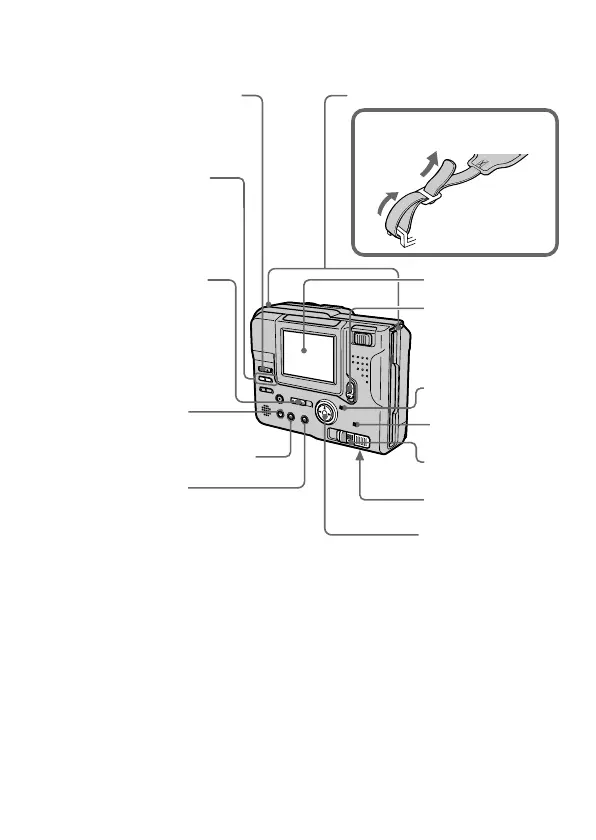
k Parts identification
POWER lamp
BRIGHT +/– button
Press to adjust the
brightness of the
LCD screen.
PLAY/STILL/MOVIE
switch (17, 18, 20)
PICTURE EFFECT
button (30)
PROGRAM AE button (31)
DISPLAY button
Press to display or turn off the
indicators on the LCD screen.
The indicators do not go off in the
following modes:
Program AE, Picture effect, Manual
focus, Zoom, AE Lock, Self-timer,
Flash, Adjusting the exposure, Flash
level, and White balance.
Battery cover/
PUSH button (13)
POWER switch
Slide down to
turn on/off the
power.
Control button
LCD screen
LCD BACK LIGHT switch
Normally select ON.
Set to OFF to save
the battery.
DISK EJECT lever
(8)
Hooks for strap
ACCESS lamp
(17, 20)
Attaching the shoulder
strap



 To Next Page
 Loading...










