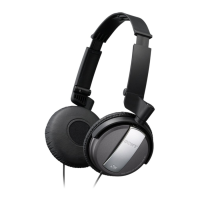
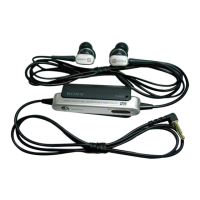
LR
Listening to music
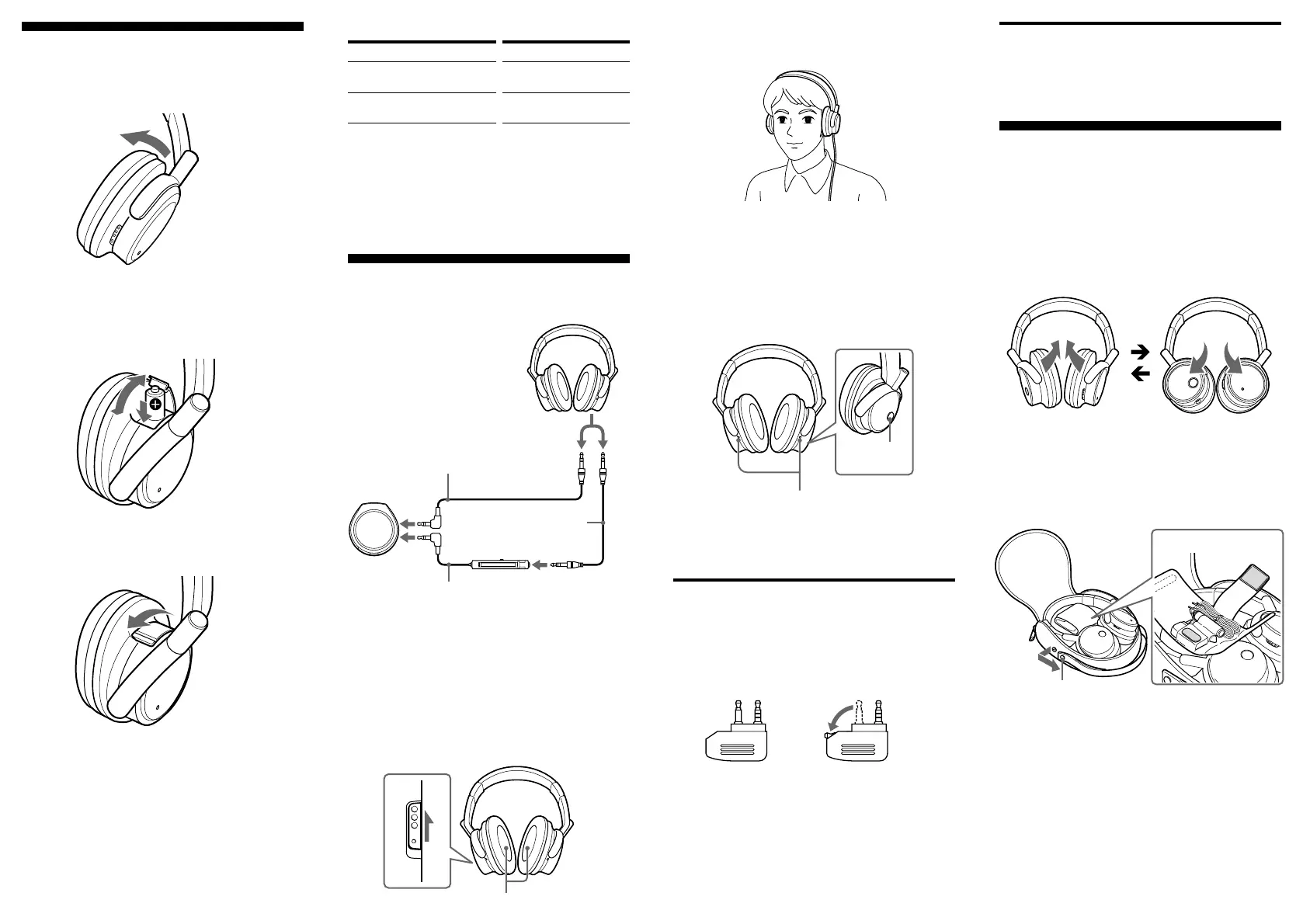
1 Connect the headphones to the AV
equipment.
* “WALKMAN” is a registered trademark of Sony
Corporation to represent Headphone Stereo products.
2 Turn on the power on the right side of the
headphones.
The POWER indicator lights in red. When the
power is turned on, ambient noise is reduced,
and you can listen to music more clearly at a
lower volume.
Battery
Sony alkaline LR03/AM-4 (N)
(size AAA) battery
Sony manganese R03/ UM-4
(NU) (size AAA) battery
Approx. hours*
1
30 hours*
2
15 hours*
2
When connecting to the stereo mini jack of the remote
control’s jack supplied with a WALKMAN*, etc
WALKMAN*, etc
Remote control
Connecting cord
0.5 m (supplied)
When connecting to the
stereo mini plug of a
WALKMAN*, etc
Headphones
LR
ON OFF
Connecting cord
1.5 m (supplied)
Installing a battery
1 Open the right housing, as illustrated.
2 Open the lid of the battery box of the
headphone to insert one size AAA battery.
3 Close the lid.
After listening to music
Turn off the power of the headphones.
Folding the
headphones
Folding
The housings rotate to make them flat for easy storage
in the carring case (supplied), or in a seat pocket.
Restore to their usual position before using.
Putting the headphones in the
carring case
Fold the headphones before putting them in the carrying
case.
1 You can carry the carring case by hand by undoing
the button and pulling out the attached belt.
2 The supplied cord, unimatch plugs or reserve
batteries can also be stored.
RL
Match the e on
the battery to the
e in the battery
case.
for dual jacks for stereo mini jacks
Battery life
*
1
1 kHz, 1 mW + 1 mW input
*
2
Time stated above may vary, depending on the temperature
or conditions of use.
When to replace the battery
Replace the battery with a new one when the POWER
indicator dims. The noise canceling feature may not
work correctly if battery power is low.
3 Put on the headphones so that the ear pads
cover your ears.
4 Turn on the power of the AV equipment.
Hearing environmental sound for safety.
Playback is muted while the MONITOR switch is
pushed so you can hear the surrounding
environment.
Note
The environmental sound might not be heard if the
microphone is covered with your fingers.
Notes on using on the
airplane
• The supplied plug adaptor can be connected to dual
and stereo mini jacks.
• Do not use the headphones when use of electronic
equipment is prohibited or when use of personal
headphones for in-flight music services is prohibited.
If you have any questions or problems concerning the
system that are not covered in this manual, please consult
the nearest Sony dealer.
LR
monitor microphone
MONITOR
switch
Noise canceling microphone



 To Previous Page