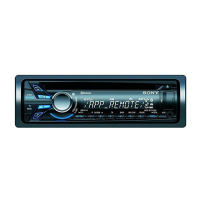
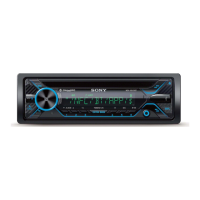
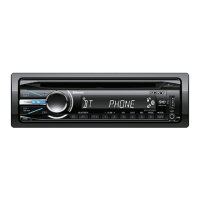
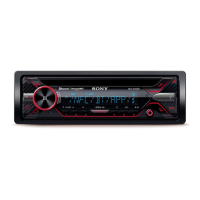
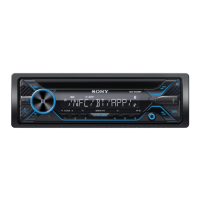
7GB
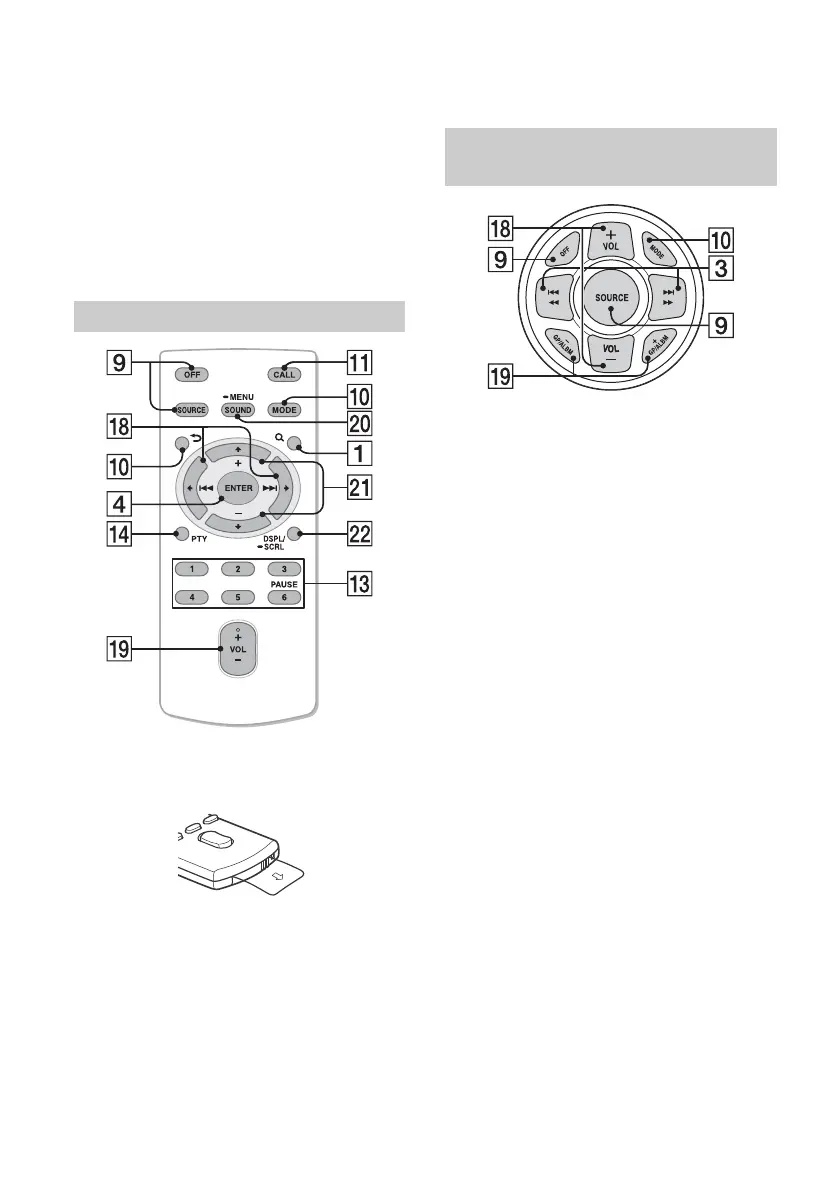
PAUSE
PTY (program type)
Select PTY in RDS.
CAT (category)
Select radio channels in SiriusXM.
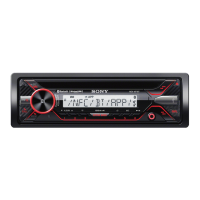
AUX input jack
USB port
Microphone (on the inner panel)
In order for the handsfree function to work
properly, do not cover the microphone with
tape, etc.
The VOL (volume) + button has a tactile dot.
Remove the insulation film before use.
()/ ()
VOL (Volume) +/–
SOUND
Open the SOUND menu directly.
-MENU
Press and hold to open the setup menu.
(+)/ (–)
DSPL (display)/-SCRL(scroll)
Change display items. Press and hold to scroll a
display item.
VOL (volume) +/–
GP (group)/ALBM (album) +/–
Receive stored stations.
RM-X231 Remote
RM-X11M Marine remote
(not supplied)



 To Next Page