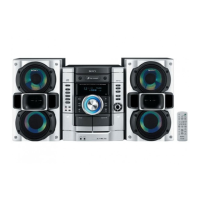
Guideto parts and
controls
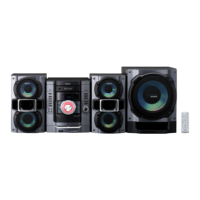
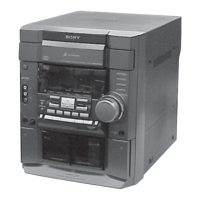
Unit
g
-i :_:H
m
d¸
i',
f
Remote
_m
_1]
[]
[]
This manual mainly explains operations using
the remote, but the same operations can also be
performed using the buttnns on the unit having
the same or simi]ar names.
[] I1_ (power) button (page 10, 21,
24)
Press to ltllTllOllthe syslem.
[] STANDBY indicator (page 15,
23)
Lights up when Ihe syslem is turned oil.
[] CD button (page 11)
Pressto selecllheCDlunction.
TUNER/BAND button (page 12)
Press to selecl the TUNER lunction. Press
to selecl FM or AM receplion mode.
Unit: TAPE A/B button (page 13)
Remote: TAPE button (page 13)
Pressto selecltheTAPEfunclion.Pressto
select TAPEA or TAPEB.
AUDIO IN button (page 14)
Pressto selecltheAUDIO1Nfu)'lcliol'l.
FUNCTION button
Pressto selecllhe lunclion.
[] SUBWOOFER indicator (MHC-
GX470/RG590S/RG490S only)
(page 14)
Lights up when lhe subwoofer is lurned
Oll.
[] SUBWOOFER button (MHC-
GX470/RG590S/RG490S only)
(page 14)
Pressto lurnon andoff tl_esubwoofer.
Continued



 To Next Page
 Loading...