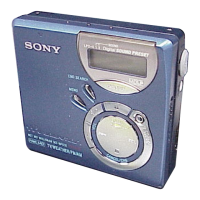
In step 0, you can also connect the recorder to the AC power adaptor by placing it on the battery
charging stand.
Jukebox.
For details,
refer to the OpenMG Jukebox Operating Instructions.
The display window on the recorder will be shown as below when connected to
your copmputer.
PC++MD
recorder (Check=out).
For details, refer
to the OpenMG Jukebox Operating Instructions.
Notes
l
Only the VOL +I- buttons on the recorder and the VOL +/-- control on the remote control
can be used when the recorder is connected to your computer.
l
Make
sure not to touch the recorder or disconnect the AC power adaptor and the USB cable
while checking out, as this may cause the data recorded up to that point to be lost.
l
While the recorder is connected to your computer, the lid will not open during editing
operations.
2%GB



 To Next Page
 Loading...