17
Playing an MD right away!
1
Insert an MD.
1 Press OPEN to open the lid. 2 Insert an MD with the label side facing
front, and press the lid down to close.
2
Play an MD.
1 Press N.
A short beep sounds in the headphones/
earphones.
2 Press VOL +, – to adjust the volume.
The volume will be shown in the
display.
To stop play, press x.
A long beep sounds in the headphones/
earphones.
After you press x, the recorder will
automatically turn off in about 10 seconds
(when using the dry battery) or about 3 minutes
(when using the AC power adaptor).
Playback starts from the point you last stopped
playing. To start playback from the beginning
of the first track, press and hold N for 2
seconds or more.
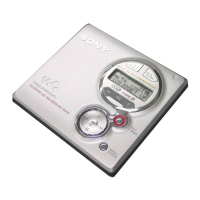
VOL +, –
N, x, .,
>, X
continued


 To Next Page
 Loading...









