8 9
Superior operability
makes shooting a breeze
Conveniently positioned on top, the mode dial lets you
change shooting modes — Superior Auto, P/A/S/M and
others — using only your right thumb and without taking
your eye from the viewfinder.
Brighten the scene with this convenient addition. Com-
bined with the high sensitivity of ISO 25600, you’ll never
miss a shot even when the lights go down. It also pro-
duces alluring catch lights for daylight portraits.
Tap into the wide variety of optional accessories with
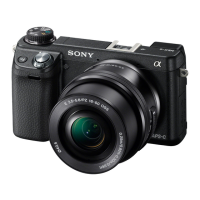
the new Multi Interface Shoe. The NEX-6 system includes
external flash units, video lights, adaptors and more —
everything you need when it’s time to expand.
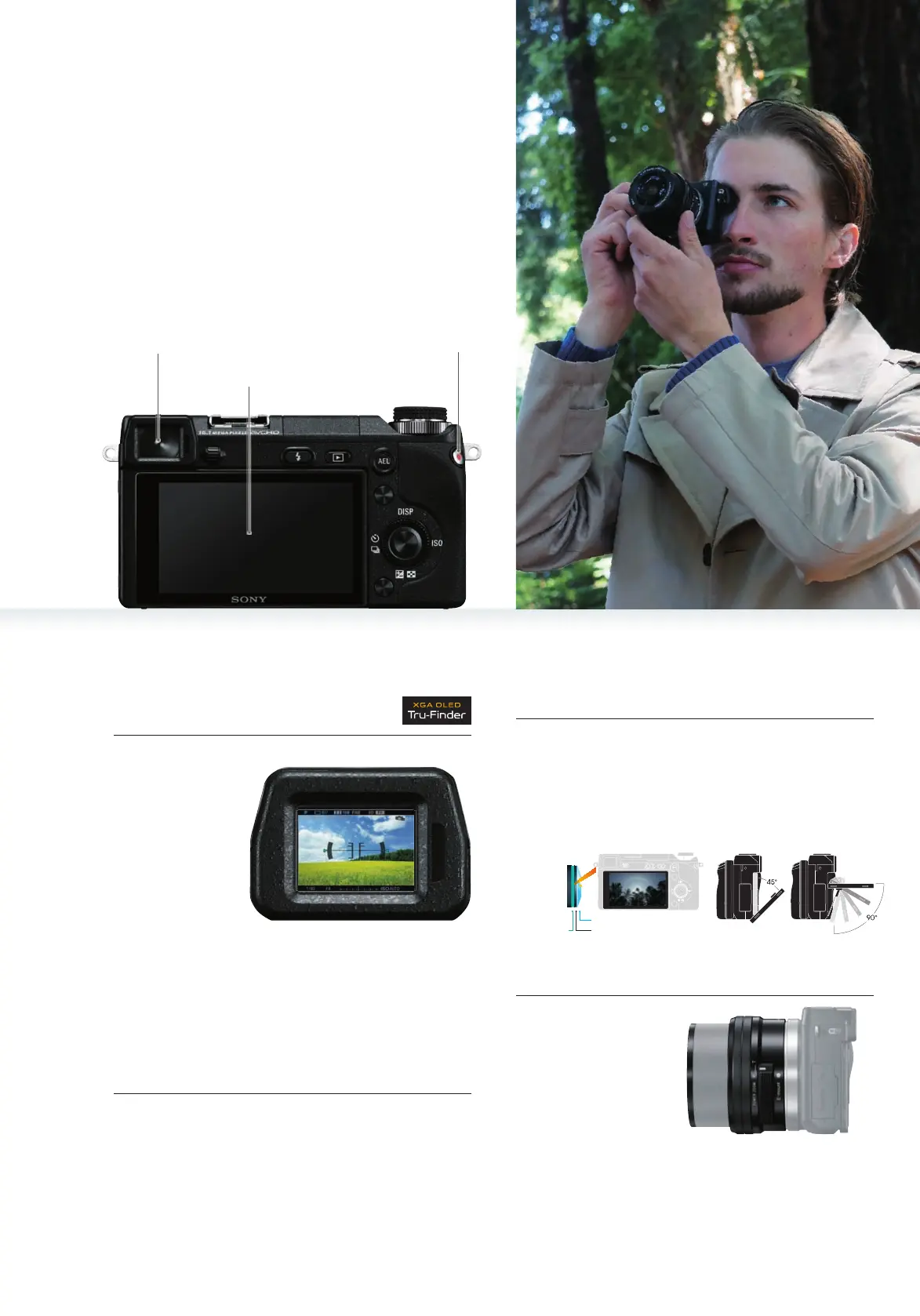
When it’s time to record movies, simply press the dedi-
cated MOVIE button and you’re good to go. Perfectly
positioned on the back in the upper right corner, you
don’t even have to remove your eye from the viewfinder
to operate it. When you want to stop recording, simply
press again.
What better way to see
the world than through
Sony’s new E PZ 16-
50mm F3.5-5.6 OSS
zoom lens. Light and
compact, it makes the
perfect companion
for NEX-6. Featur-
ing power zoom for Adjust exposure, ISO, white balance and other settings.
The control dial is located directly under the mode dial
and provides the same easy operation so you can con-
centrate on the action.
Enjoy the clarity of the 3.0-type (7.5 cm) 921K-dot LCD
screen. Designed to vastly reduce reflections for easy view-
ing, it delivers rich blacks, brilliant colors and a realism
that is nothing short of amazing, all beautifully displayed
in any lighting situation. For expanded viewing conve-
nience, the display tilts approx. 90° up and 45° down.
Adjust the camera without having to dig through menus.
Located next to the shutter release, the distinct shape of
the Fn button makes it easy to find. Use it during Live View
to choose frequently used settings, or to adjust settings
in the Quick Navi display, which shows all settings on the
LCD screen for smooth DSLR-like operation.
Mode dial
Built-in flash (GN6) for a splash of light
Built-in flash
Multi Interface Shoe Control dial
New accessory shoe expands
shooting options
Movie shooting at the press of a button
Remarkably compact and versatile zoom lens
Control dial
Tiltable LCD screen for the greatest of viewing easeFn (Function) button
Anti-reflective film
Reinforced glassResin filling
Display vastly reduces reflections Tiltable display
Experience for
yourself the bright-
ness and clarity that
define XGA OLED
Tru-Finder™. Boast-
ing 2,359K-dot reso-
lution and outstand-
ing contrast, this
superb viewfinder
reveals every subtle
nuance of a scene
with remarkable ac-
Built-in, ultra high-resolution
electronic viewfinder
Quick Navi
display
Function
Menu display
Mode dial
Fn (Function) button Electronic viewfinder
Tiltable LCD screen
MOVIE button
curacy, including defocusing effects, so what you see is
literally what you get. Fast OLED response virtually elimi-
nates motion blur and residual images when tracking
moving subjects or viewing recorded movies. In addition,
a digital level gauge displays camera roll (left/right tilt)
and pitch (front/back tilt).
smooth zooming and a dual-function control ring, which
handles both zoom and manual focus, the lens retracts
to a mere 29.9 mm when not in use.


 To Next Page
 Loading...