6
GB
Sets display in finder
When you turn off the recording information, you can also turn off the indication of the
shutter speed, aperture value, EV scale, and SteadyShot scale.
• For details on how to switch the recording information display, refer to “ Screen
indicators” in the “Instruction Manual.”
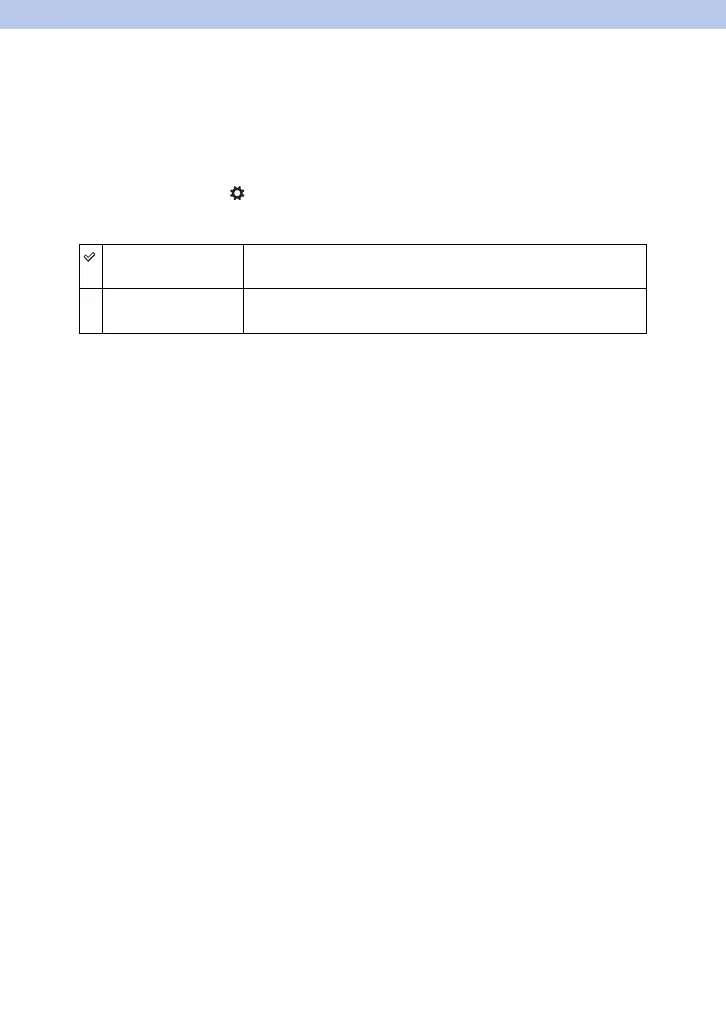
1 MENU button t 2 t [Sets display in finder] t Select the desired
setting
Always The shutter speed, aperture value, EV scale, and SteadyShot scale
will be always displaeyd.
When operating The shutter speed, aperture value, EV scale, and SteadyShot scale
will be displayed only while the exposure is being adjusted.



 To Next Page
 Loading...











